
This article explains how to transfer your domain from Gname to Trustname, focusing on improved security, stronger privacy, and better customer support. It also outlines the key steps needed to complete the transfer smoothly and safely.
Key Takeaways
- Better Security – Trustname protects against fraud, hijacking, and illegal misuse.
- Reliable Support – Access to experienced agents through live chat and email.
- Strong Privacy – Free two-tier Whois protection to keep owner details hidden.
- Lower Costs – Free SSL (first year), free email forever, and affordable renewals.
- Simple Transfer – Request the auth code, meet eligibility rules, and complete the transfer easily.
TABLE OF CONTENTS
- Key Takeaways
- Perks of Using Trustname
- Before Starting Your Domain Transfer
- Starting Your Domain Transfer Out Of Gname
- Transferring From Gname to Trustname
- What If My Domain Transfer Fails?
As a domain owner, your registrar shouldn't have lax security that enables fraudulent websites to clone your website and take business from you. Yet, this is what most users of Gname have to endure. But we have good news, Trustname, a better, stress free domain registrar.
Trustname's two-tier privacy and strict illegality policy make it impossible for fraudsters to access you. The best part? We don't charge a premium for your domain security. All you have to do to transfer out of Gname is to enter the domain you want to transfer and request the authcode. Before we show you how, what's in it for you?
Perks of Using Trustname
We thought you might ask to know more. Here's what you get out of suing Trustname:
1. Abuse Proof Policy
The general reviews of Gname on Trustpilot show that their customers are overwhelmingly unsatisfied.
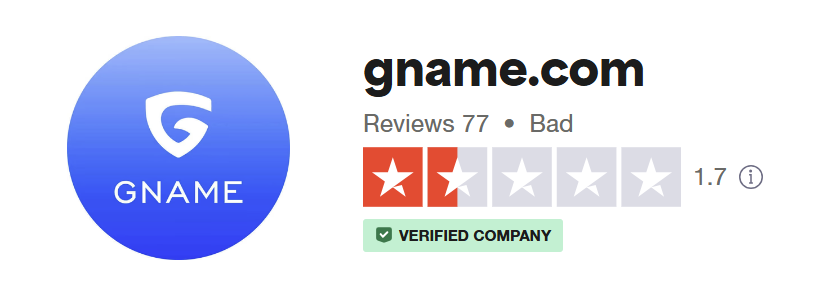
The broader picture shows that customers biggest problems with Gname are enabling fraud, identity theft and domain hijacking.
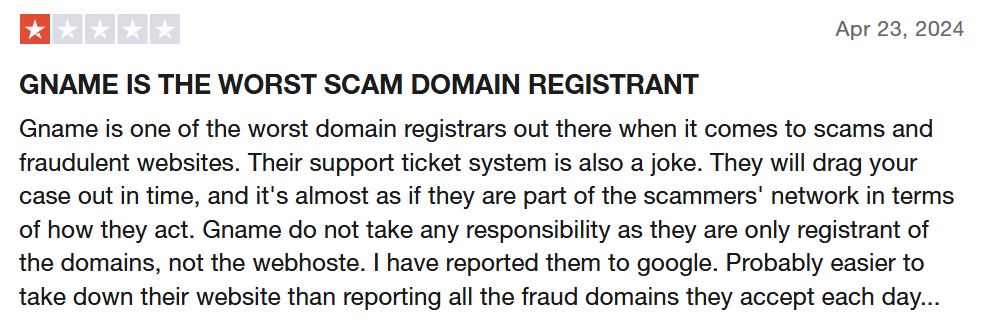
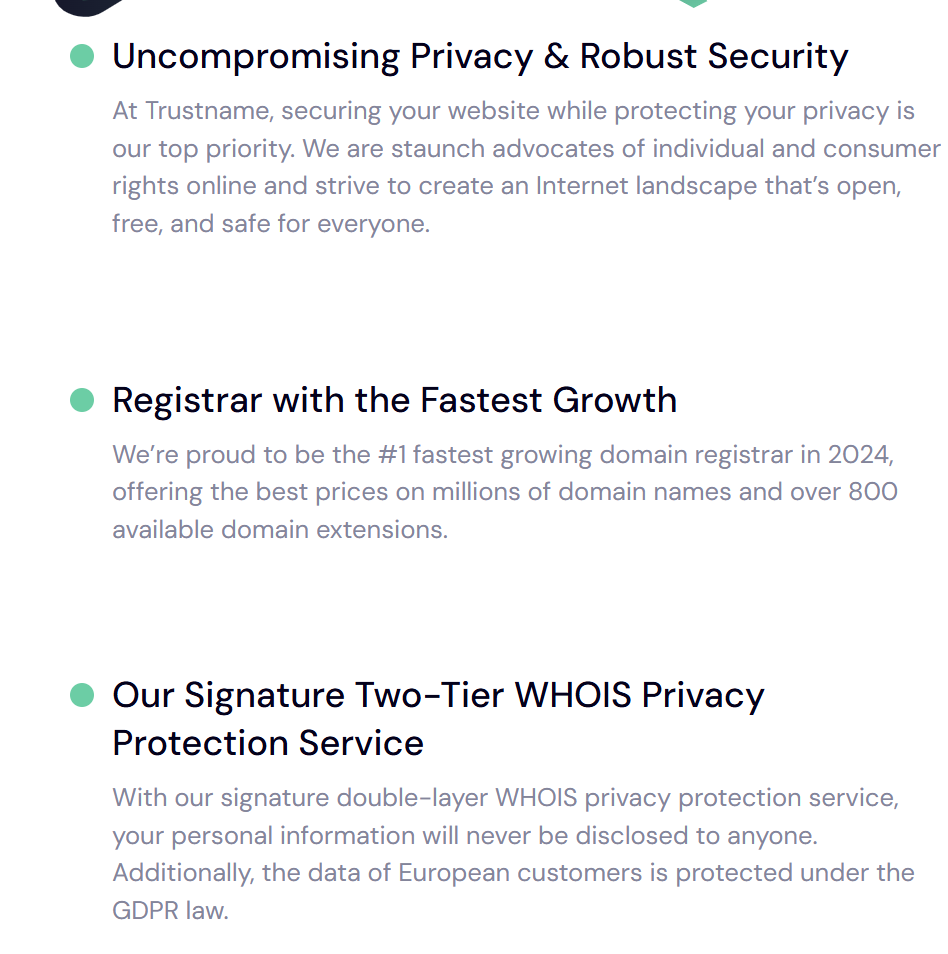
At Trustname, we uphold internet freedom and support free speech, providing a haven for businesses in grey areas like activism, adult content, and cryptocurrency. However, WE DRAW A STRICT LINE AGAINST ILLEGAL ACTIVITIES such as fraud, child exploitation, and arms trafficking. Trustname ensures security and privacy without sacrificing ethics.
In case of malicious false reports and identity theft, Trustname requires court orders from three jurisdictions U.S., St. Kitts and Nevis, and Estonia, before any action can be taken against a domain. So be assured, no one can clone your website and try to report you as a fake.
2. Reliable Customer Support
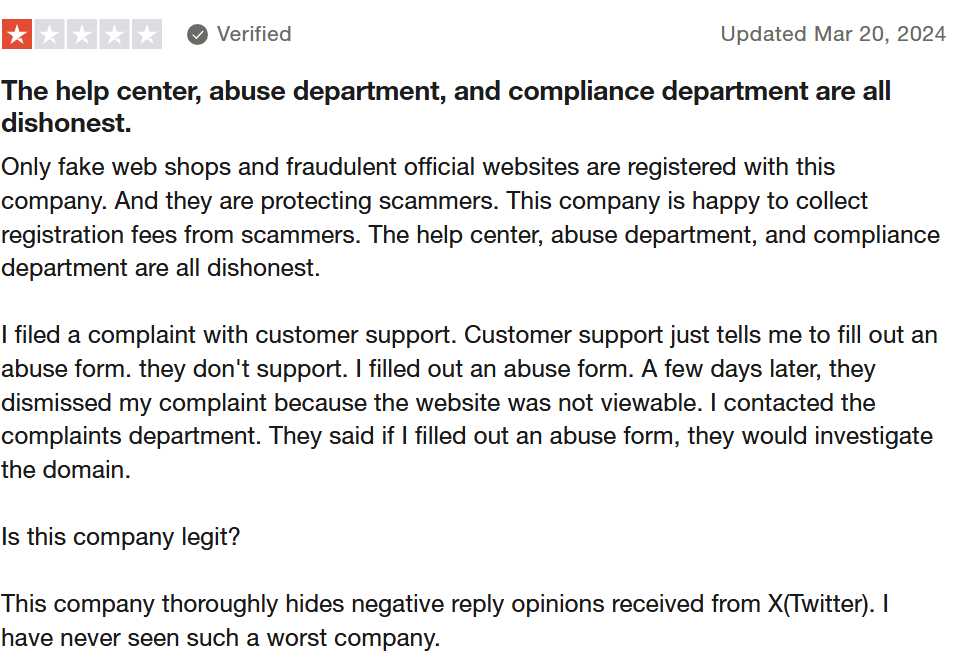
If we assume in good faith that these scam artists on Gname are some sort of security or privacy breach, a good step would be to reassure customers through timely support and fixing the leakage immediately.
But Gname resorts to ignoring or silencing customers complaints instead. Makes more and more sense why customers would question their legitimacy.
At Trustname, we value our customers and recognise that you've chosen us for our services. We're committed to providing you with the respect and support you deserve.
Our support team consists of experienced professionals, most of whom have a background in domain management and web hosting. This first-hand experience allows us to offer expert assistance for several domain-related issues.
We provide multiple support options to suit your preferences, including:
- Live Chat
Connect with our team in real-time for quick solutions.
- Email Support
Submit queries through our ticketing system for thorough, documented responses.
- Self-Help Resources
Access our comprehensive knowledge base if you prefer to troubleshoot independently.
3. Unbeatable Two-Tier Privacy
Trustname ensures domain security through our unique two-tier privacy which has earned us the bulletproof nickname among our customers. The mechanism makes it difficult for scammers to trace your domain back to you. How does this work?
- First Tier
Domains are registered through Perfect Privacy LLC, ensuring your personal information is never linked to the domain. When fraudsters can't get your data, they can't use it.
- Second Tier
Additional Whois protection is applied via a U.S.-based service, Whois Privacy Protection Services, further concealing even the proxy details from public view.
4. Affordable Pricing
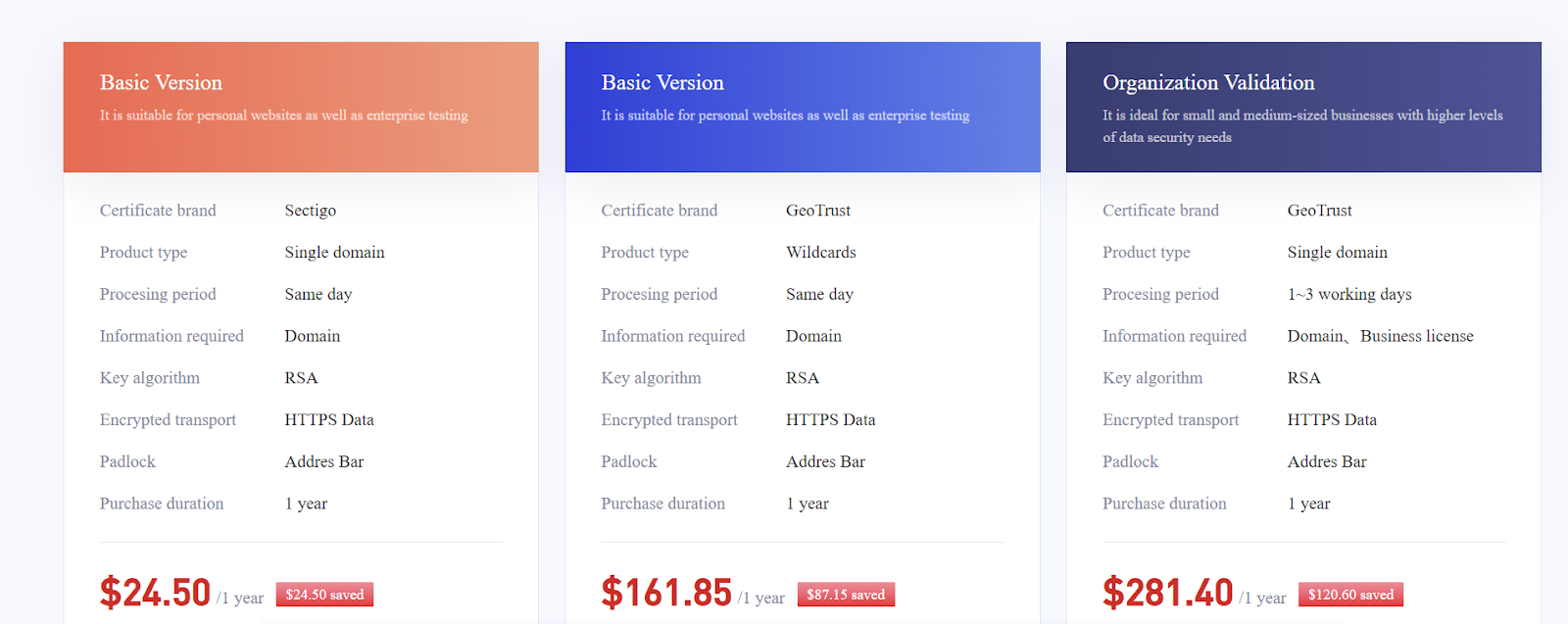
Gname charges users for an SSL certificate, ranging from $24.50 to $281.40 a year.
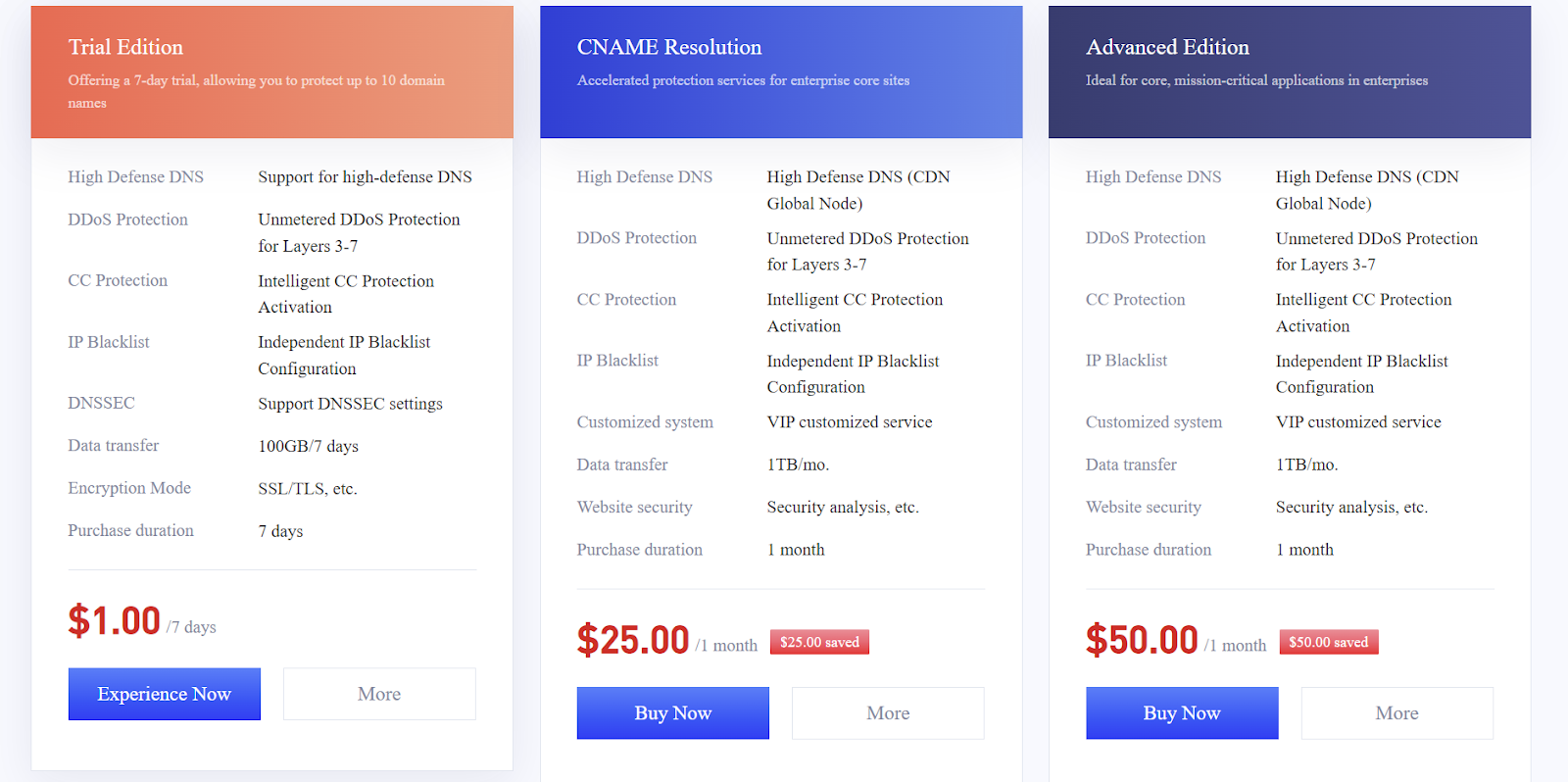
For Domain web security, they also charge between $300 to $600 yearly!
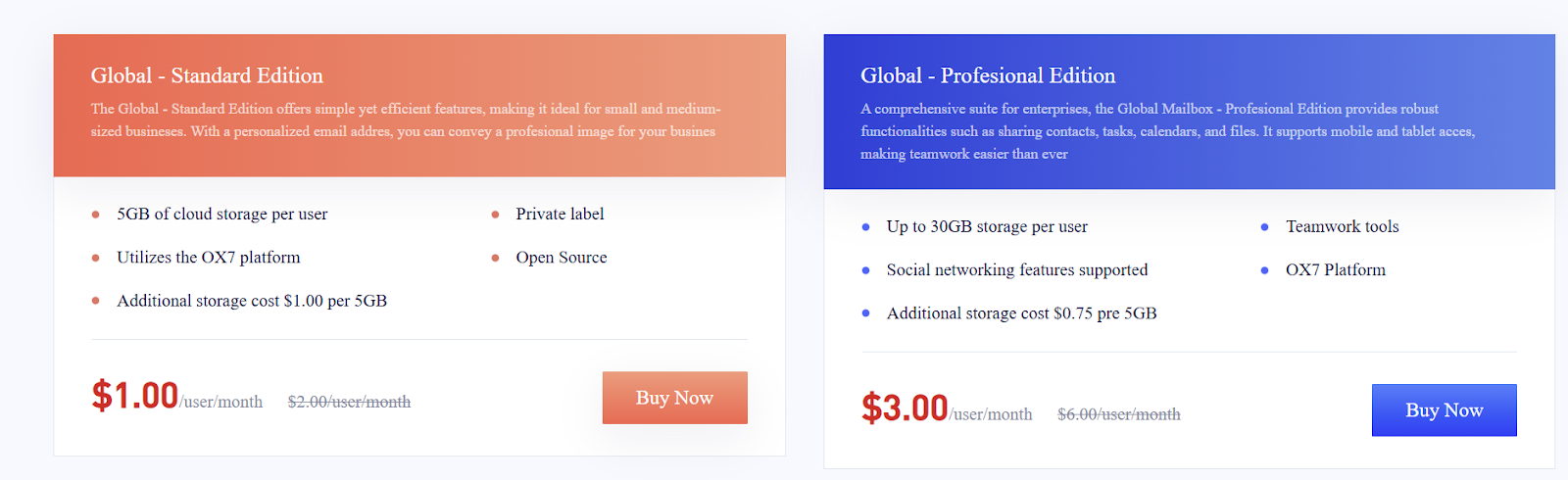
Also, for email service, Gname charges users between $12 to $36 per year.
With a .com domain price of $12.49, your basic total costs run up to $348.99 in the first year alone!
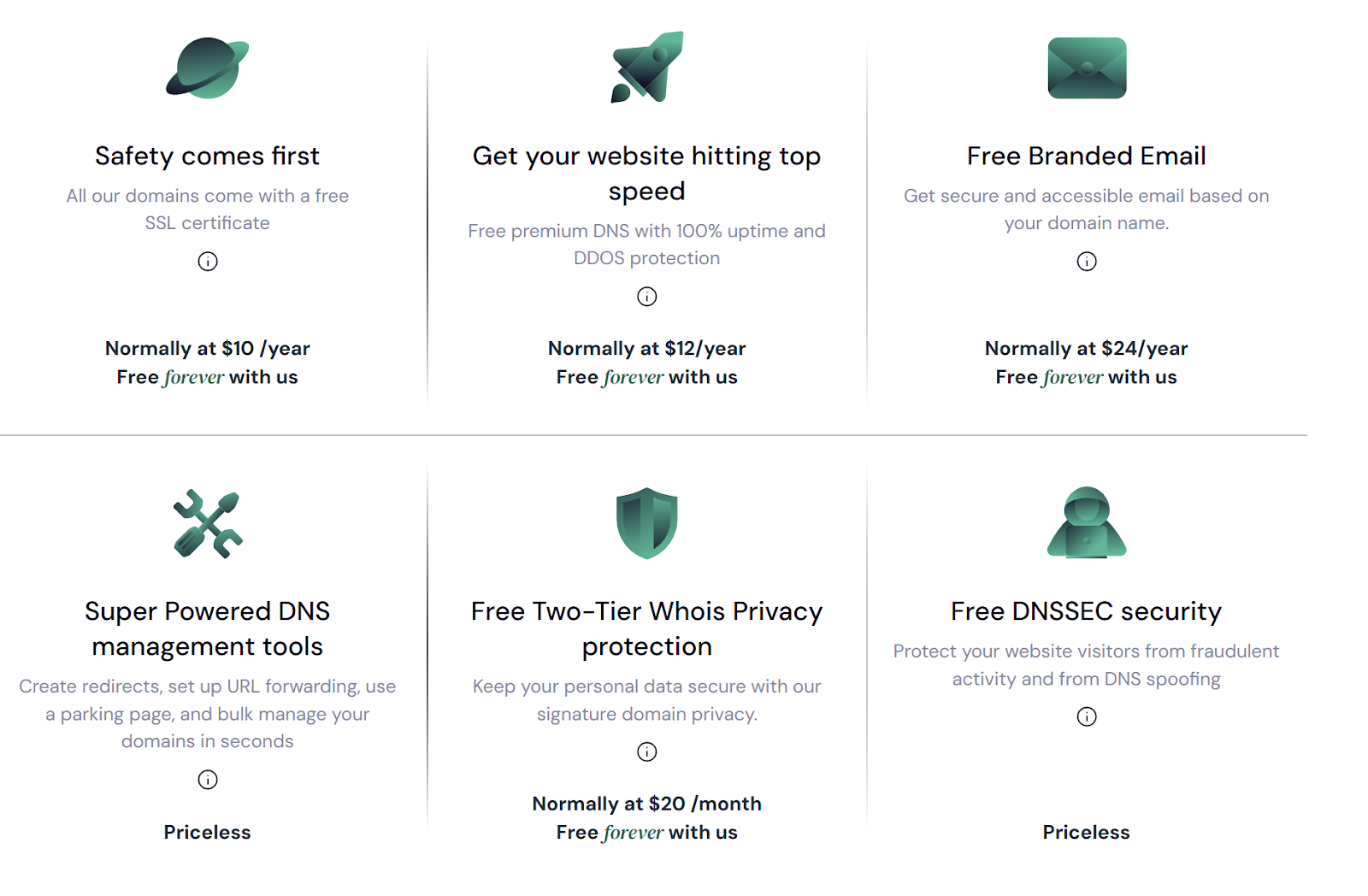
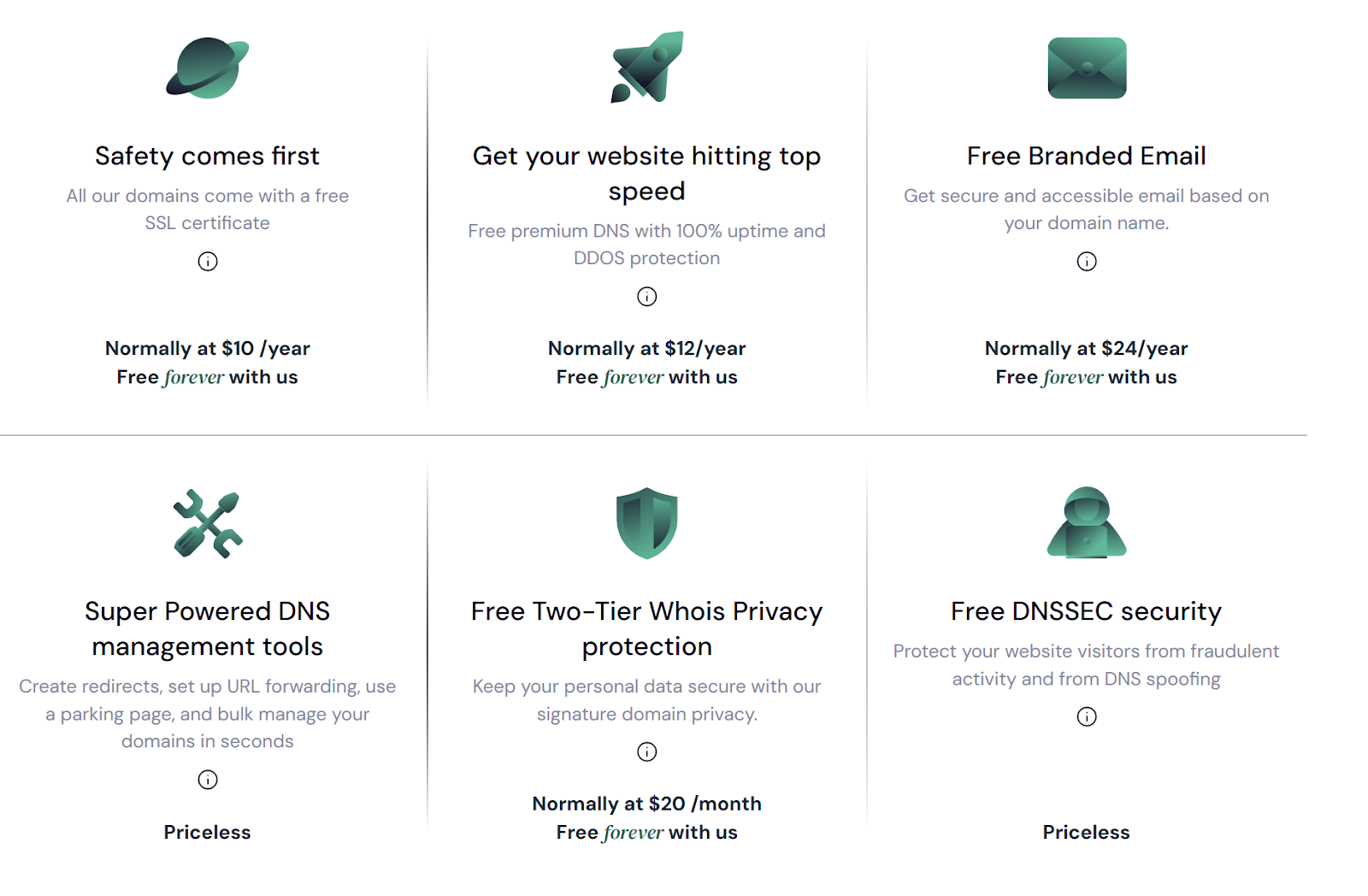
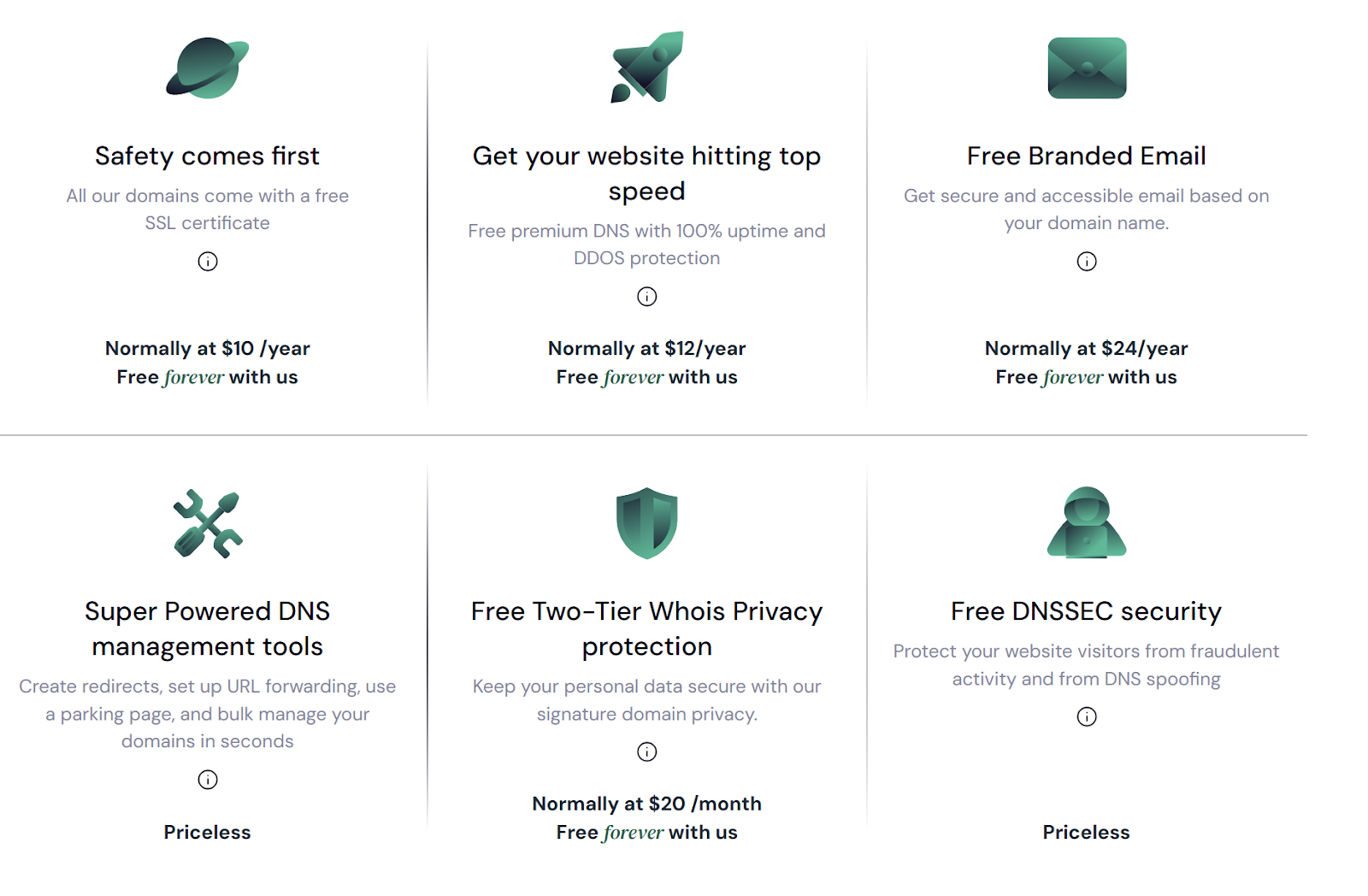
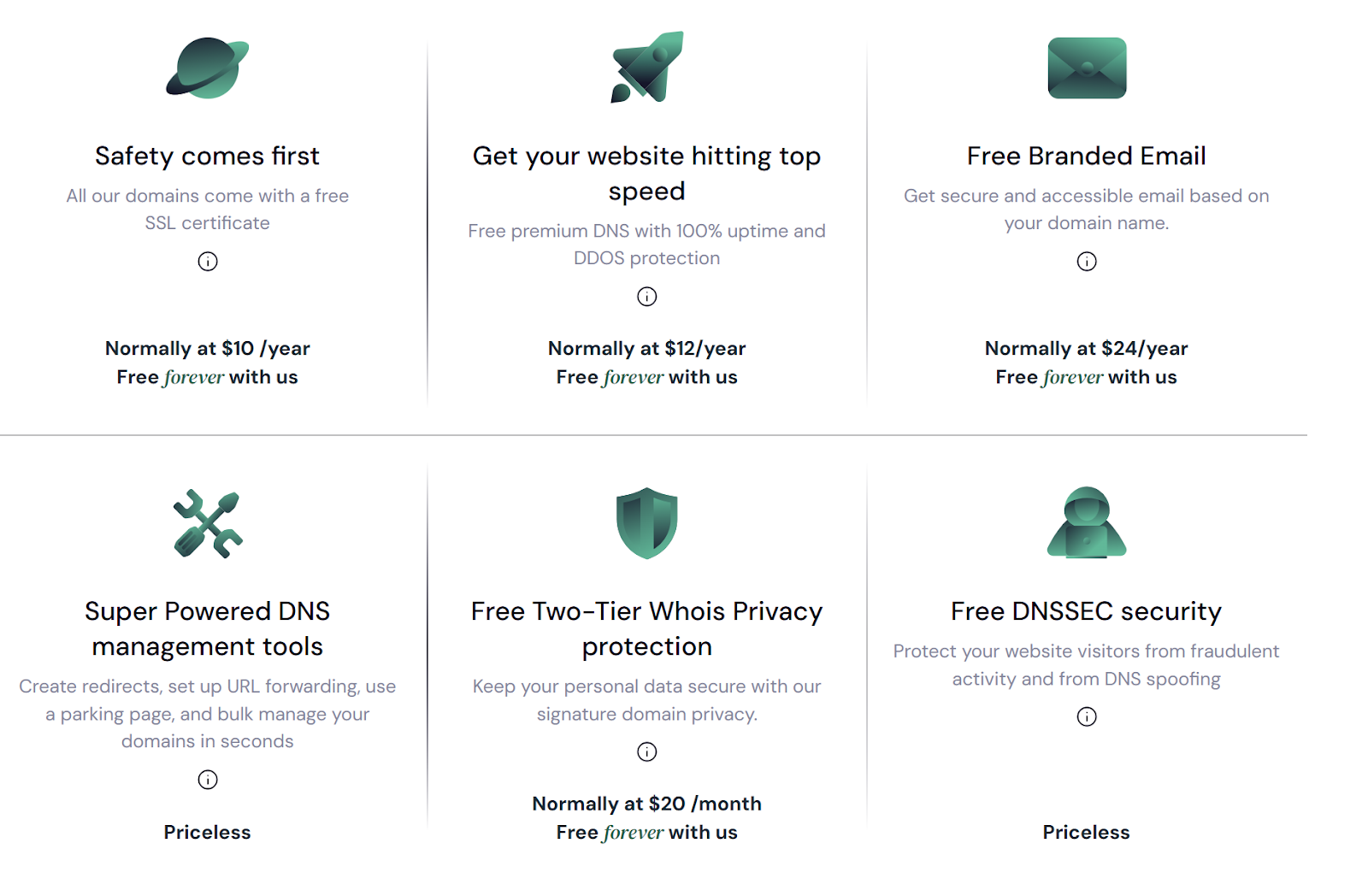
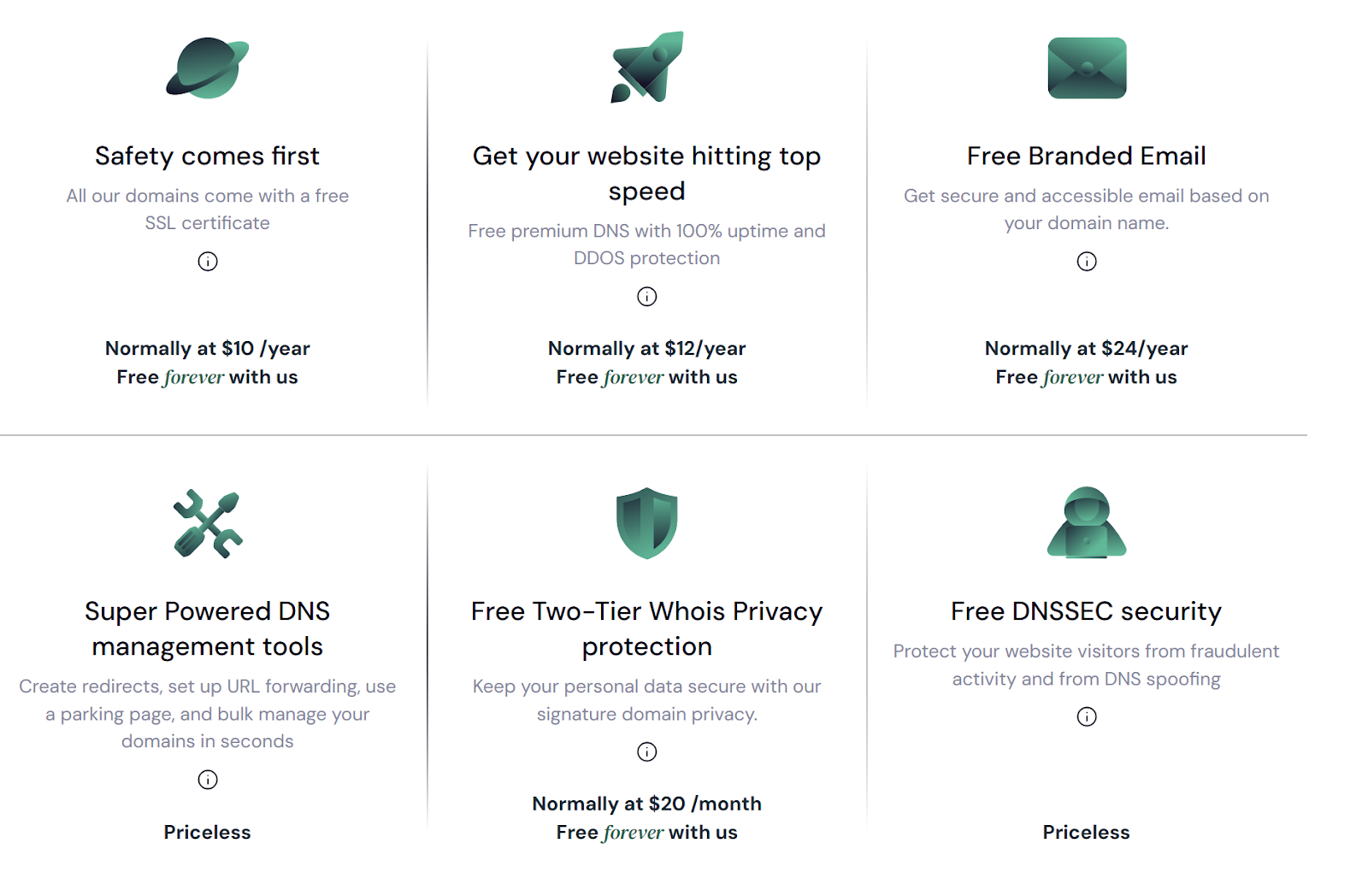
By contrast, Trustname gives you a free SSL certificate in the first year, free email services FOREVER, and premium domain DNS for FREE. You only pay $12.99 for a .com in the first year, which renews at $14.99. You save over $300 in one year and $1500 in five years!
Before Starting Your Domain Transfer
A few things to note before transferring your domain.
- Set Nameservers Correctly
Nameservers point your domain to the right server where your website is hosted. If your domain is hosted on Gname, update the nameservers to Trustname before initiating the transfer. This ensures your website remains live during the transfer, as DNS settings can't be modified once the transfer begins.
- Domain Transfer VS Website Migration
A domain transfer only moves your domain name, not your website. Domain names and hosting are separate services, so migrating your website requires purchasing a hosting plan from Trustname. Trustname can assist with the migration process, including backups and database transfers, ensuring a seamless transition.
- Transfer Costs And Policies
Transferring a domain to Trustname costs $7.77 with a promo code, which includes an additional year added to the domain's expiration date. This transfer fee is a great deal compared to the standard $14.99 registration fee for a single year.
- Domain Expiration And Transfer Eligibility
Domains must be active or in the Grace Period after expiration to be eligible for transfer. If your domain is in the Redemption Period, you must pay a renewal fee before you proceed with the transfer. This ensures the domain is in good standing and simplifies the transfer process.
Starting Your Domain Transfer Out Of Gname
Here's a step-by-step guide on how to transfer your domain away from Gname:
- Eligibility
Wait until at least 60 days after registration or your last transfer.
- Initiate Transfer
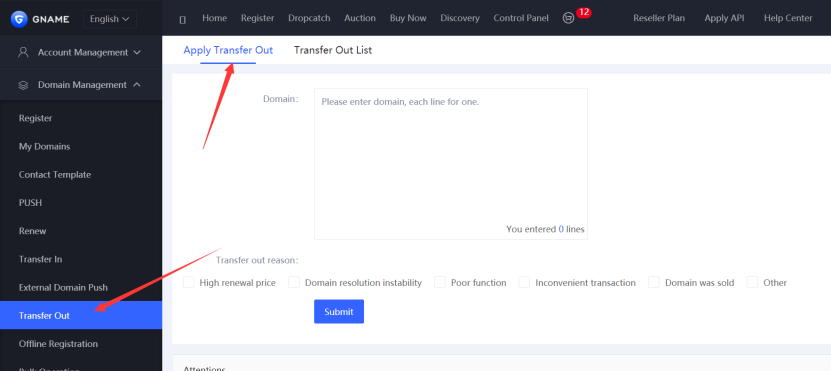
[+] [List] Green Unordered - Log into your Gname Control Panel.
- Go to Domain Management >>>Transfer Out.
- Submit Transfer Request
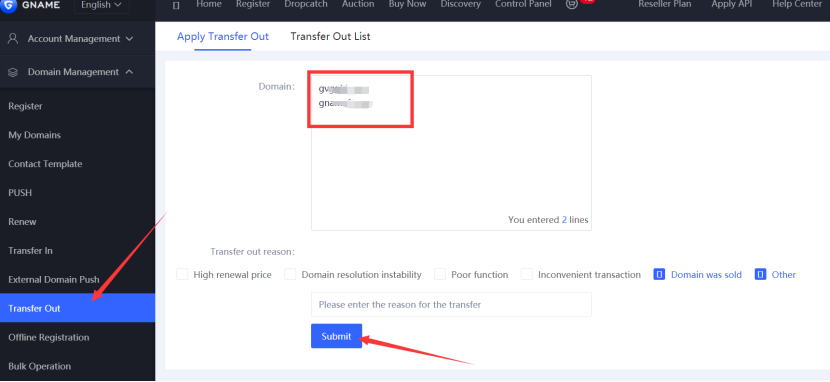
[+] [List] Green Unordered - Enter the domain name(s) you want to transfer (one per line).
- Select your reason for transferring.
- Click 'Submit'.
- Get Authorisation Code
[+] [List] Green Unordered - Gname will email the auth code to your account email address within 1-3 business days.
- Check the "Transfer Out List" for status updates.
[+] [List] Green Ordered - Wait For Auth Code: means still processing.
- Auth Code Sent Successfully: check your email (including spam folder).
- Complete Transfer
[+] [List] Green Unordered - Use the auth code to initiate the transfer with your new registrar.
- The process typically takes 5 to 7 days to complete automatically.
1. Transfers before 60 days since last renewal may not extend expiration by a full year.
2. Changing domain ownership may not be possible during transfer.
Transferring From Gname to Trustname
- Access Your Trustname Account
[+] [List] Green Unordered - Visit Trustname.com and click 'Login' in the top right corner.
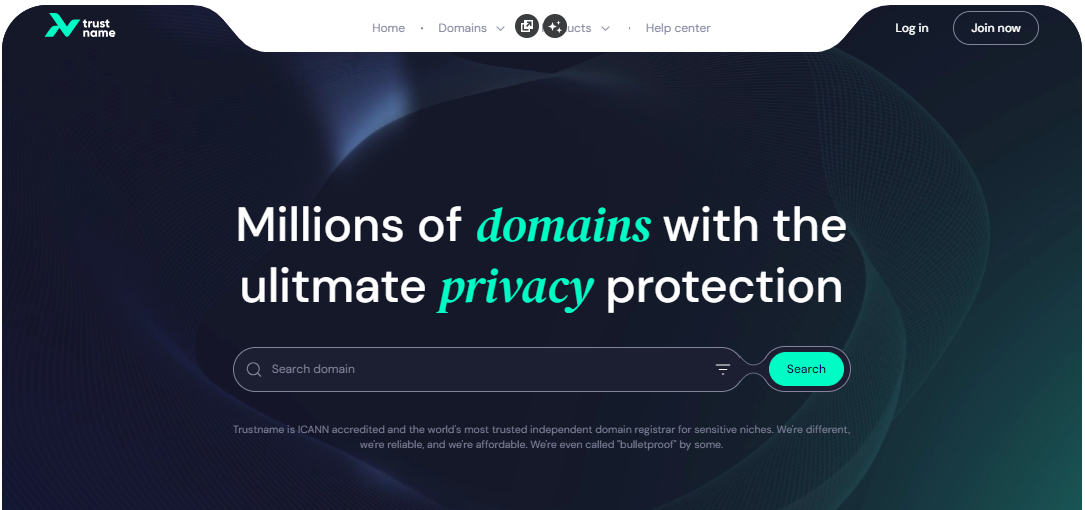
- Enter your username and password to access the customer portal.
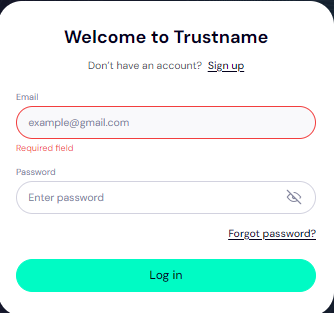
- Visit Trustname.com and click 'Login' in the top right corner.
- Initiate Domain Transfer
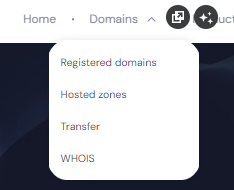
[+] [List] Green Unordered - Navigate to Domains >>>Transfer in the header menu.
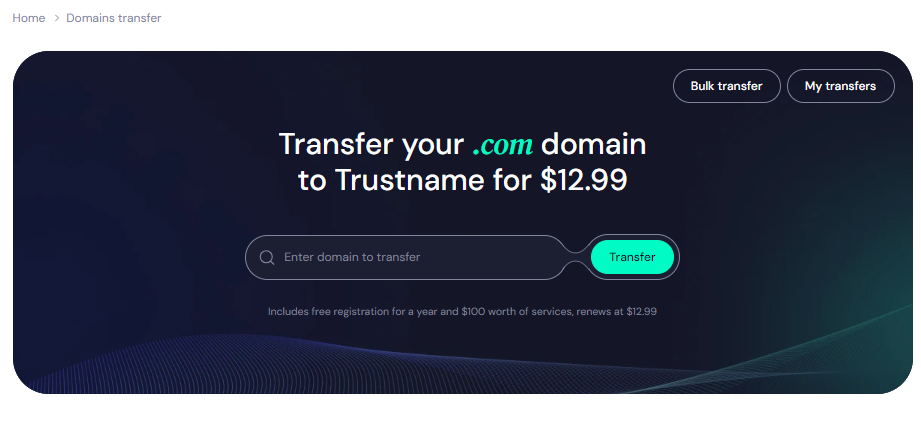
- Enter your domain name (with extension) and click 'Transfer'.
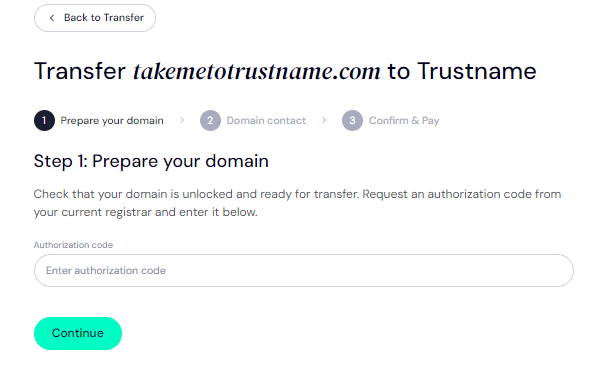
- Provide the Auth Code (EPP) received from Gname and click 'Continue'.
- Navigate to Domains >>>Transfer in the header menu.
- Set Domain Contact Details
[+] [List] Green Unordered - Choose between adding new contact information or using Trustname's Two-Tier Privacy Protection.
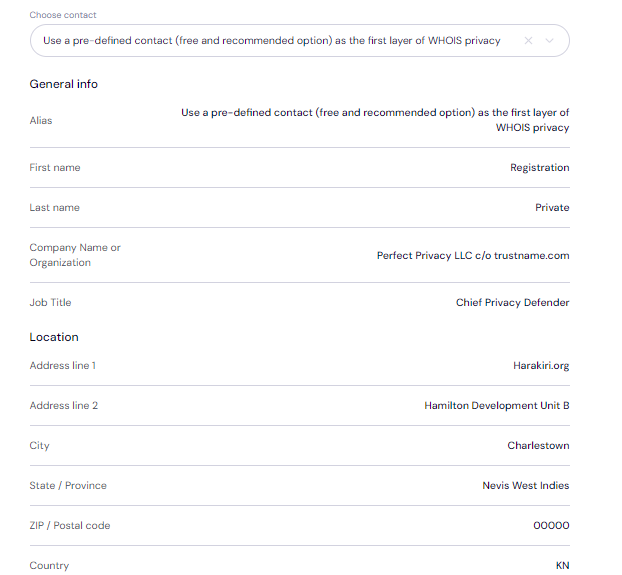
It is recommended to use our privacy protection to unlink your contact details from the Whois database. You retain full ownership of your domain and can change your privacy settings at any time.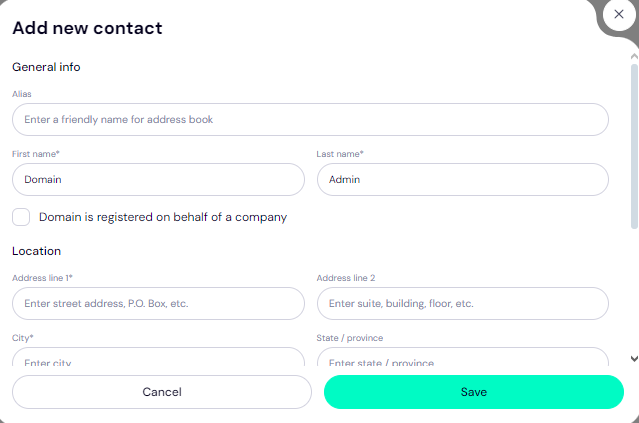
- Click 'Continue' after completing the contact details.
- Choose between adding new contact information or using Trustname's Two-Tier Privacy Protection.
- Complete Payment
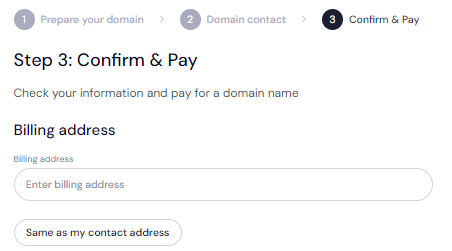
[+] [List] Green Unordered - Enter your billing address or select "Same as My Contact Address". The transfer fee includes an extra year added to your domain's expiration date.
- Choose a payment method (bank card, Trustname wallet, or cryptocurrency).
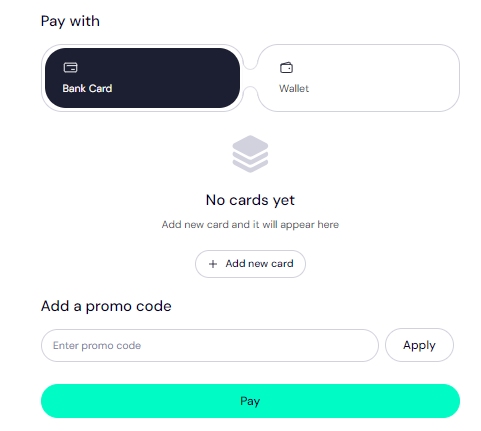
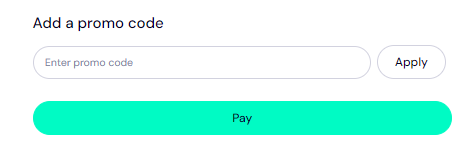
- Apply promo code "WELCOME777" for a 50% discount ($7.77 instead of $14.99).
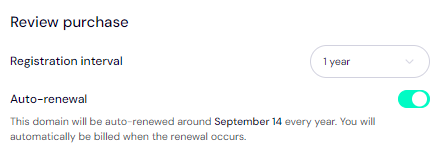
- Select registration duration (1 to 10 years) and consider enabling auto-renewal so your domain doesn't expire when due.
- Click 'Pay' to finalise the transfer
After completing these steps, your domain will transfer from Gname to Trustname!
- Enter your billing address or select "Same as My Contact Address". The transfer fee includes an extra year added to your domain's expiration date.
What If My Domain Transfer Fails?
Once you have completed the transfer process, your domain should successfully move from Gname to Trustname. However, if you encounter any issues, consider the following common reasons for transfer failures:
- Incorrect EPP (Auth) Code.
- Domain not eligible for transfer (e.g., within 60 days of registration or last external transfer).
- Transfer lock is still enabled.
- Outdated contact details.
To resolve these issues, read Troubleshooting Failed Domain Transfers to Trustname for more detailed assistance.