
This guide explains how to transfer your domain from Hostinger to Trustname, including preparation steps, eligibility requirements, and the full transfer process. It also highlights the benefits of switching to Trustname and how to secure your domain after the transfer.
Key Takeaways
- Eligibility – Domain must be unlocked and outside the 60 days ICANN lock.
- Preparation – Disable the domain lock and WHOIS privacy, and copy the secret key.
- Value – Transparent pricing and multiple payment options.
- Process – Simple step-by-step transfer through Trustname.
- Security – Enable domain lock, review DNS, and activate 2FA after transfer.
TABLE OF CONTENTS
- Key Takeaways
- What Perks Should You Expect With Trustname?
- Things to Know Before Initiating Your Transfer
- Prepare Your Domain At Hostinger For The Transfer
- Safeguard your Domain using Trustname Security Features
Are you thinking of moving your Hostinger domain name(s) to Trustname? You're not alone. Hidden fees, restrictive plans, mass suspensions, and poor customer support are common reasons many Hostinger customers choose to switch to Trustname. We understand why you’re ready to leave.
To move your domain from Hostinger to Trustname, you need to unlock your domain, obtain the secret key (authorization or EPP code) from your Hostinger account, and initiate the transfer from Trustname.
Let’s walk you through the process….
What Perks Should You Expect With Trustname?
- Transparent Fee
[+] [Callout] Info Insert title here [+] [Callout] Title/Title with Icon -> Low introductory prices often come with high renewal costs.
To avoid surprises, it's best to choose a registrar that is upfront about pricing. Hostinger offers domain registrations as low as $0.99, but renewals can cost as much as $34.99. Additional taxes and fees may also apply.
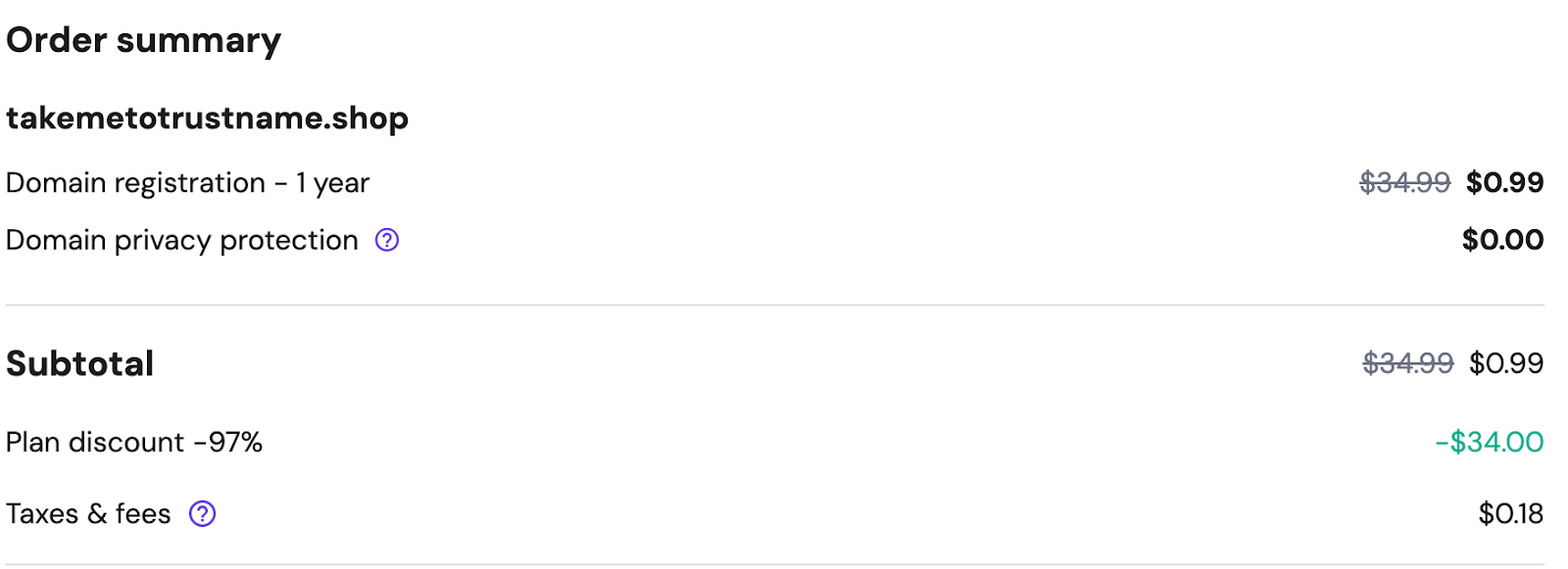
At Trustname, pricing is clear and predictable. Domain renewal fees are $14.99, and registration prices typically range from $7.99 to $12.99. Unlike Hostinger, taxes, ICANN fees, and other charges are already included in the listed price.
- Myriad Payment Options
[+] [Callout] Warning Insert title here [+] [Callout] Title/Title with Icon -> Limited or unreliable payment methods can result in failed transfers or lost funds.
Trustname supports more than 175 payment options, including cryptocurrencies, making it easy to complete transfers without payment issues.
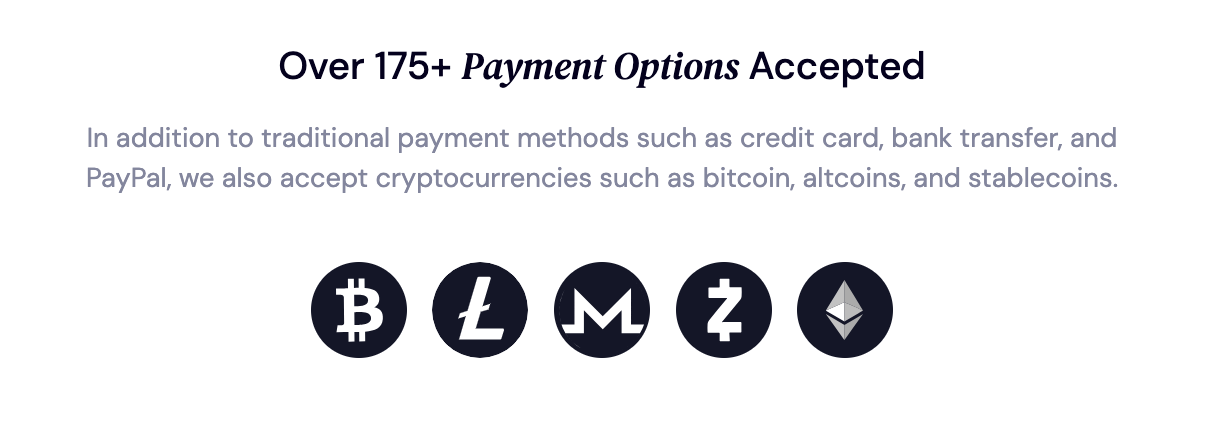
This flexibility is not always available at Hostinger. Some users report that when cryptocurrency payments are processed successfully, domains are not delivered and refunds are not issued.
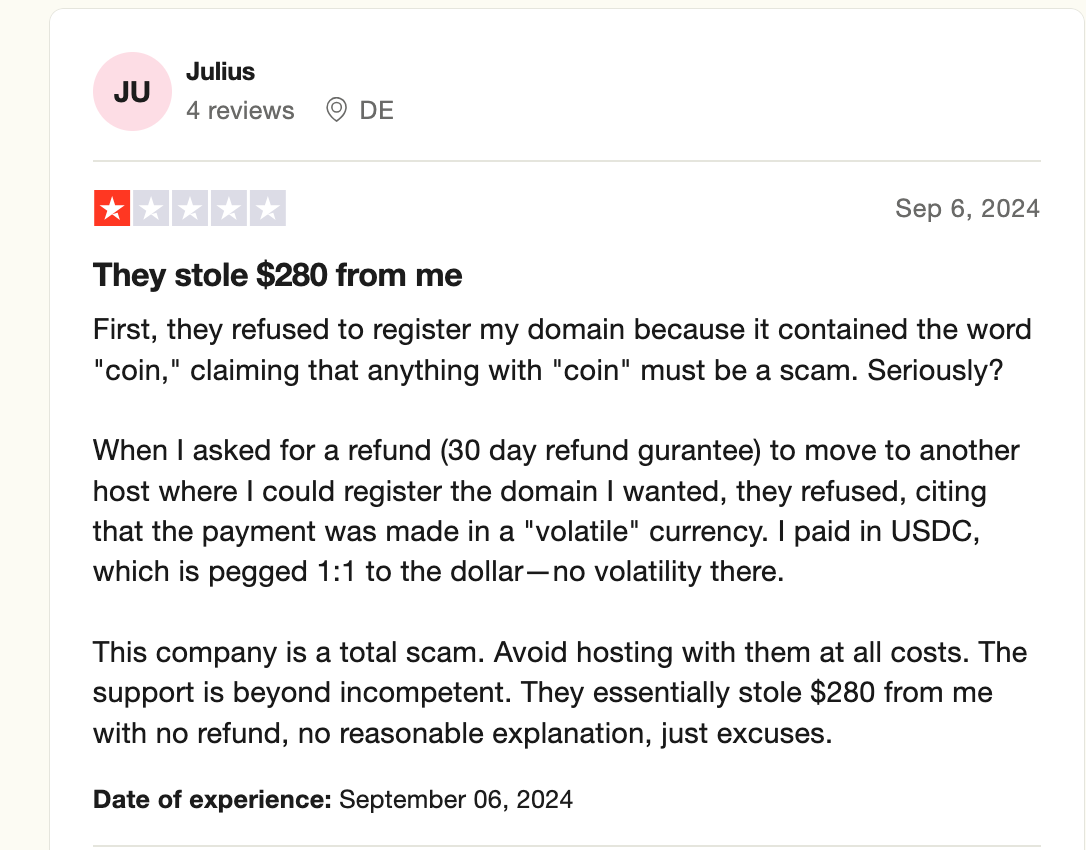
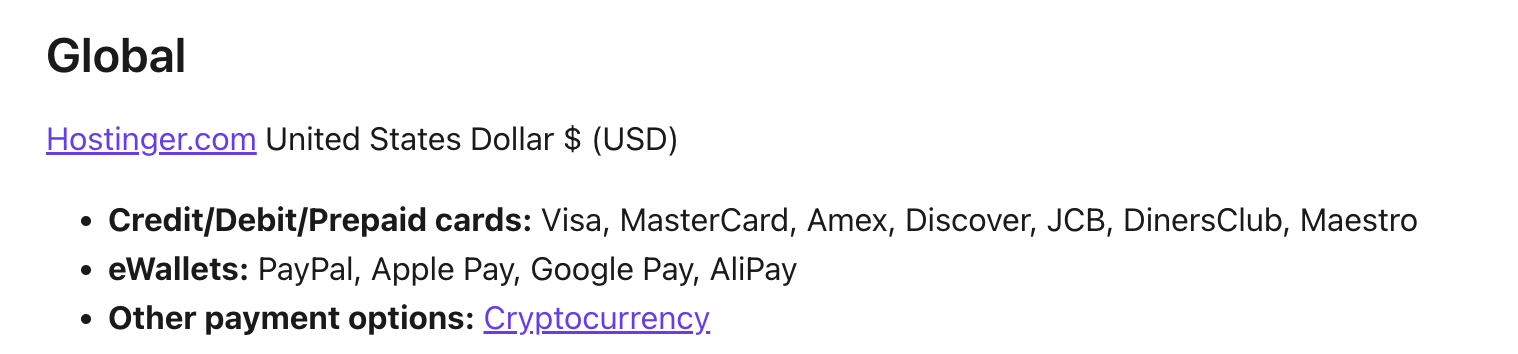
According to Hostinger's policy, cryptocurrency payments are excluded from refunds, even though they are listed as a supported payment method.
- Support That Truly Cares
[+] [Callout] Info Insert title here [+] [Callout] Title/Title with Icon -> Reliable support is essential when managing domains and resolving time sensitive issues.
One of the most common complaints about Hostinger is its limited support system. Instead of connecting customers with human agents, support often relies on automated chatbot responses, which can be frustrating.
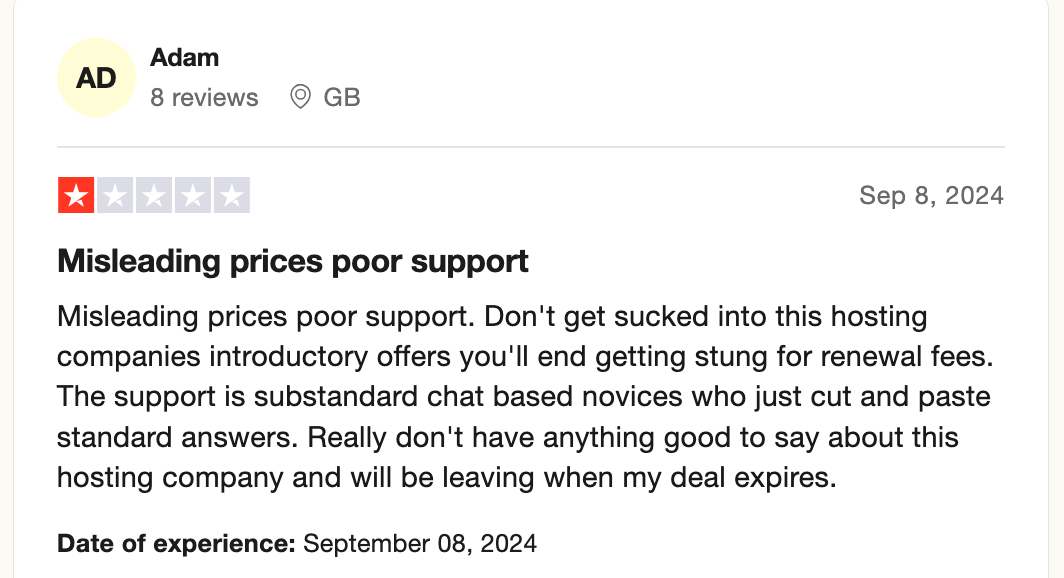
Customers also report that some agents lack basic domain and hosting knowledge and struggle to troubleshoot common issues.
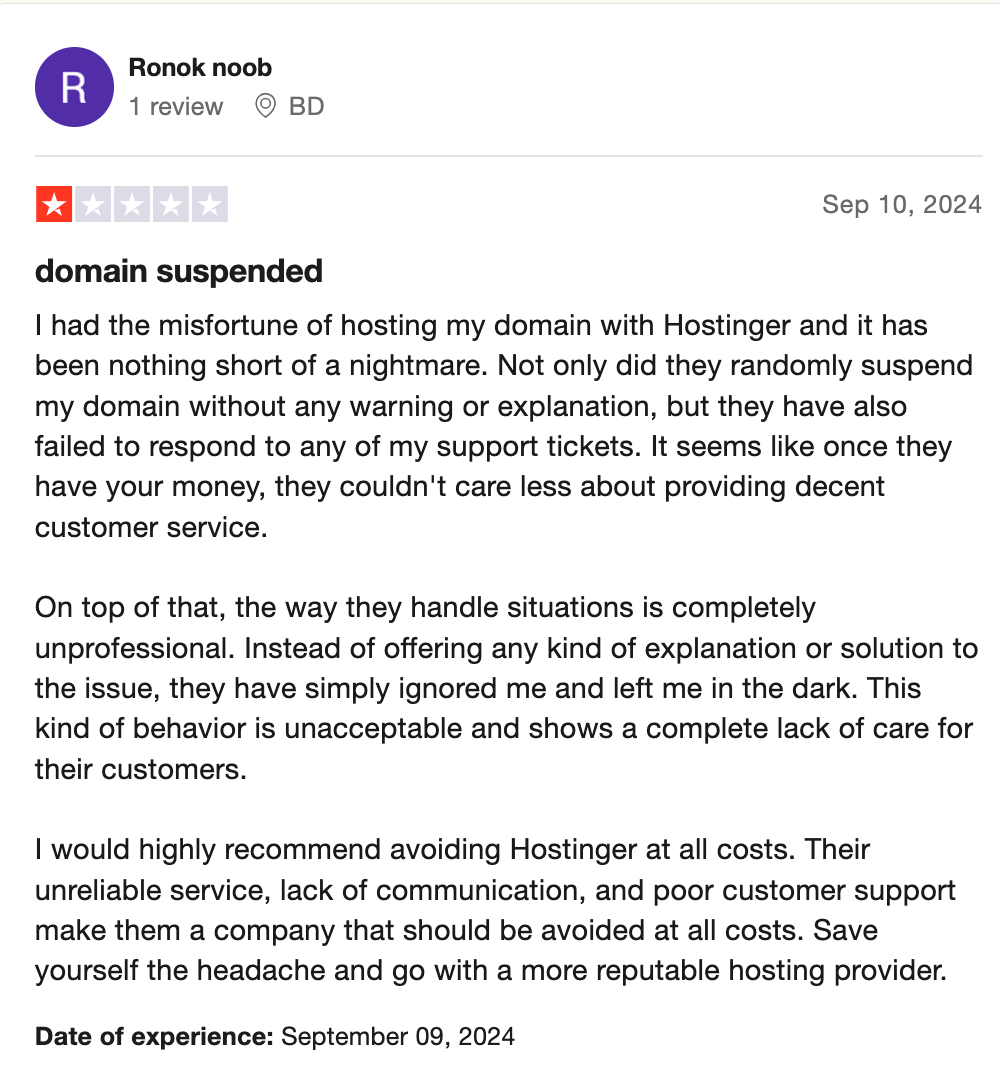
At Trustname, your domain is our priority. We employ knowledgeable support agents with real world experience in domain management and web hosting. Customers are encouraged to contact us via live chat or our online ticketing system so issues can be resolved quickly and effectively.
Things To Know Before Initiating Your Transfer
A Note On Domain Nameservers
Nameserver settings cannot be changed while a transfer is in progress.
During the transfer process, your domain's nameservers remain unchanged. If your domain is still pointing to Hostinger, your website may experience downtime unless you reconfigure the nameservers beforehand.
We recommend updating your nameservers to Trustname or a third party hosting provider before starting the transfer to prevent service disruption.
Domain Name And Website Transfer Are Separate Services
Domain transfers do not move website files.
Transferring your domain to Trustname does not automatically migrate your website. If you want to move your website as well, you must purchase a separate hosting plan and contact our support team to assist with a seamless migration.
Trustname Transfer Policies And Fees
Every transfer includes a free one year extension.
Trustname charges a standard transfer fee of $7.77 when you use our promo code. This fee covers taxes, ICANN fees, and domain management add ons. We also add one extra year to your domain's current expiration date.
Best Time To Initiate A Transfer
Expired domains may require renewal before transfer.
Before transferring your domain from Hostinger to Trustname, ensure the domain is in the active or grace period. If the domain has expired beyond these stages, you must renew it with Hostinger first, which may incur additional charges.
We recommend initiating the transfer at least two weeks before your domain's expiration date.
Prepare Your Domain At Hostinger For The Transfer
Confirm If You're Eligible For A Transfer
If you've recently registered your domain, transferred ownership to another registrant, or changed the registrant's contact details, your domain will be placed on a compulsory 60 days lock in line with ICANN policies. This also applies to all ICANN accredited registrars.
So, if you’ve initiated any of these, you won't be able to transfer your domain until the 60 dayS period elapses. Ensure you check your domain status to verify you're not under the ICANN lock before proceeding with the transfer.
Unlock Your Domain
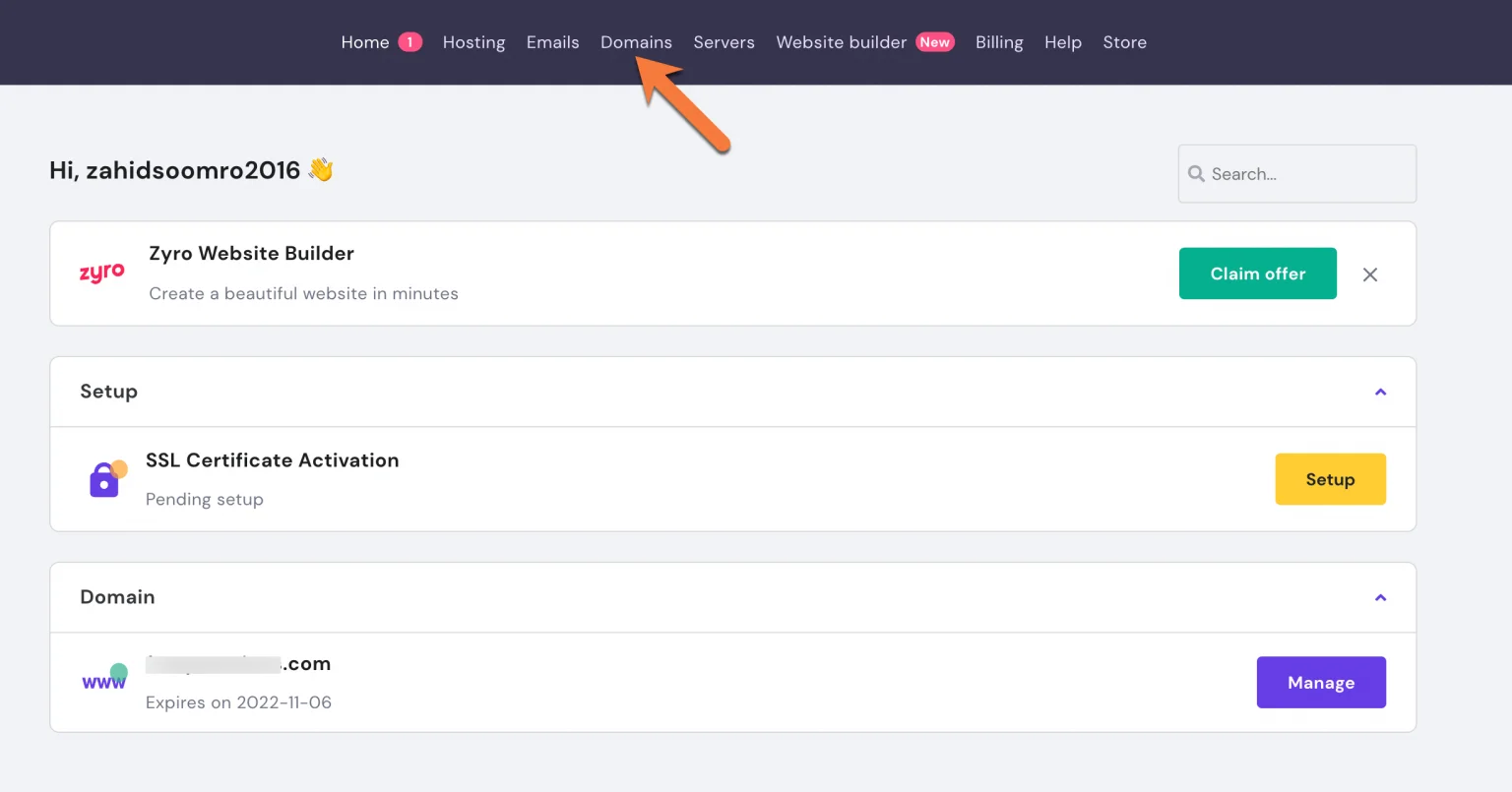
To unlock your domain, log into your account at Hostinger.com and click 'Domains' on the navigation bar
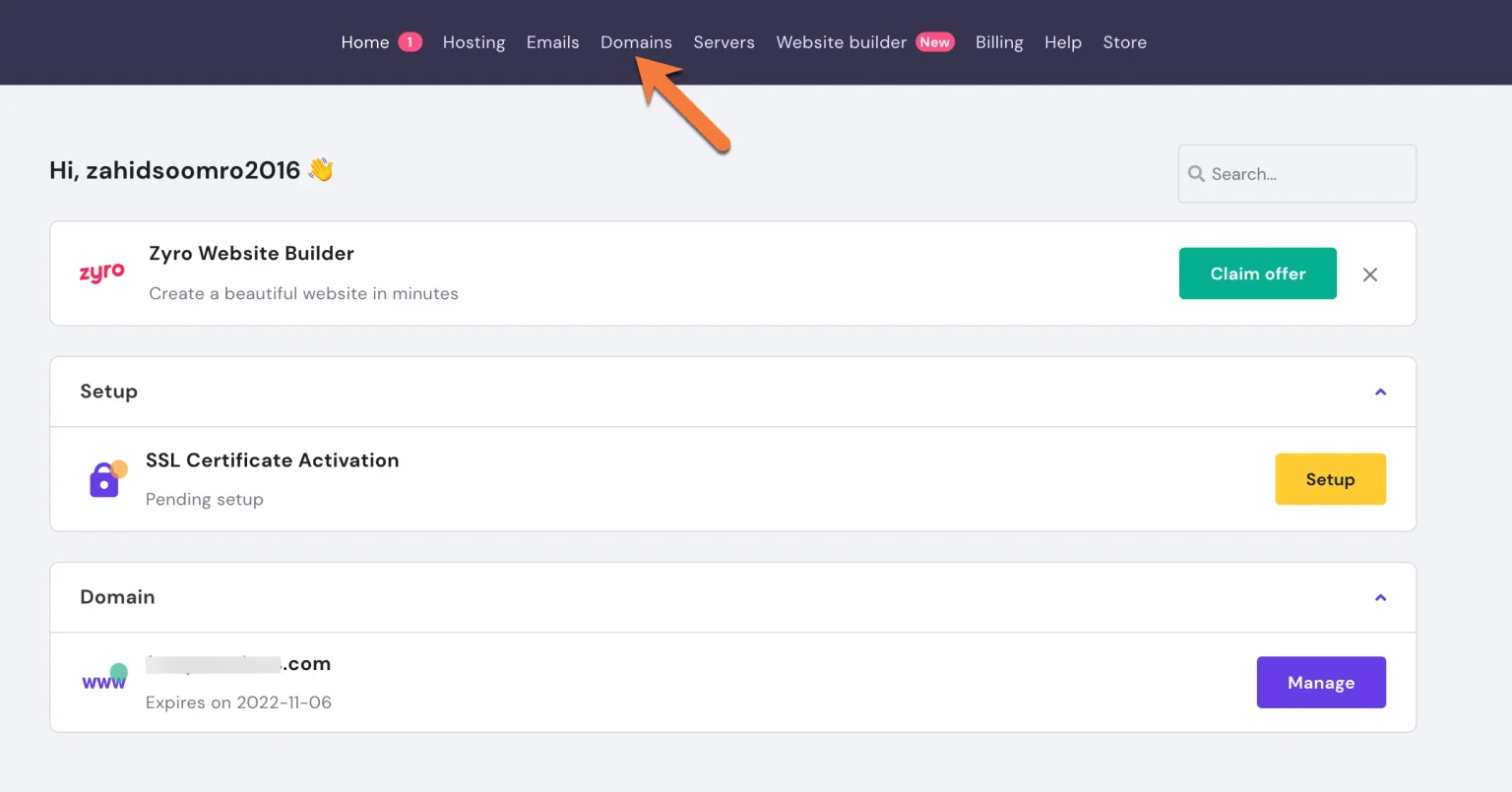
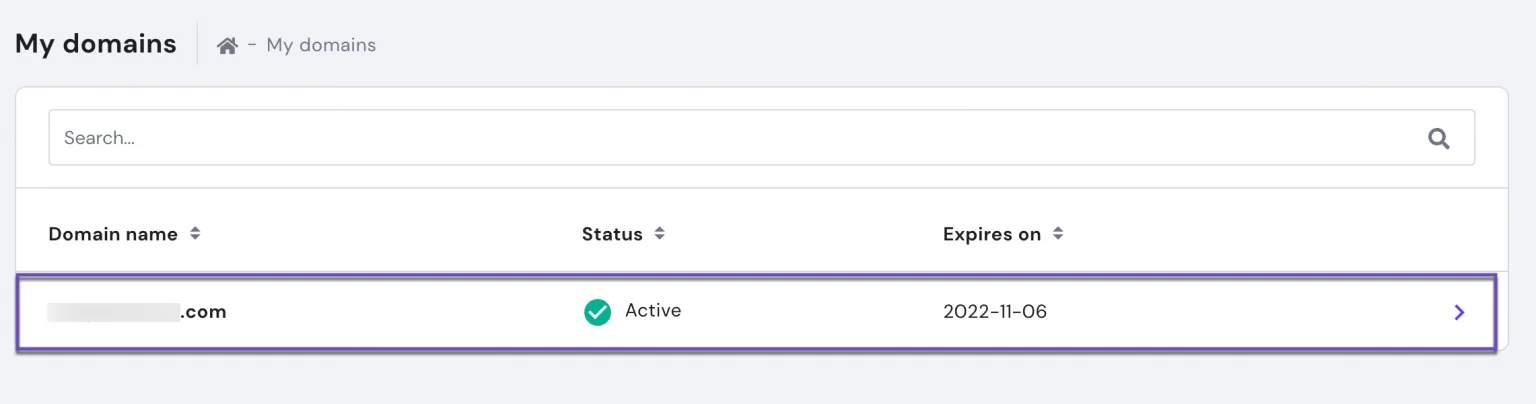
Next, click on the domain's you want to transfer from the list of domains registered to your Hostinger account.
From the Domain Overview page, scroll down to the 'Transfer Lock' section and click the toggle button to turn off the lock.
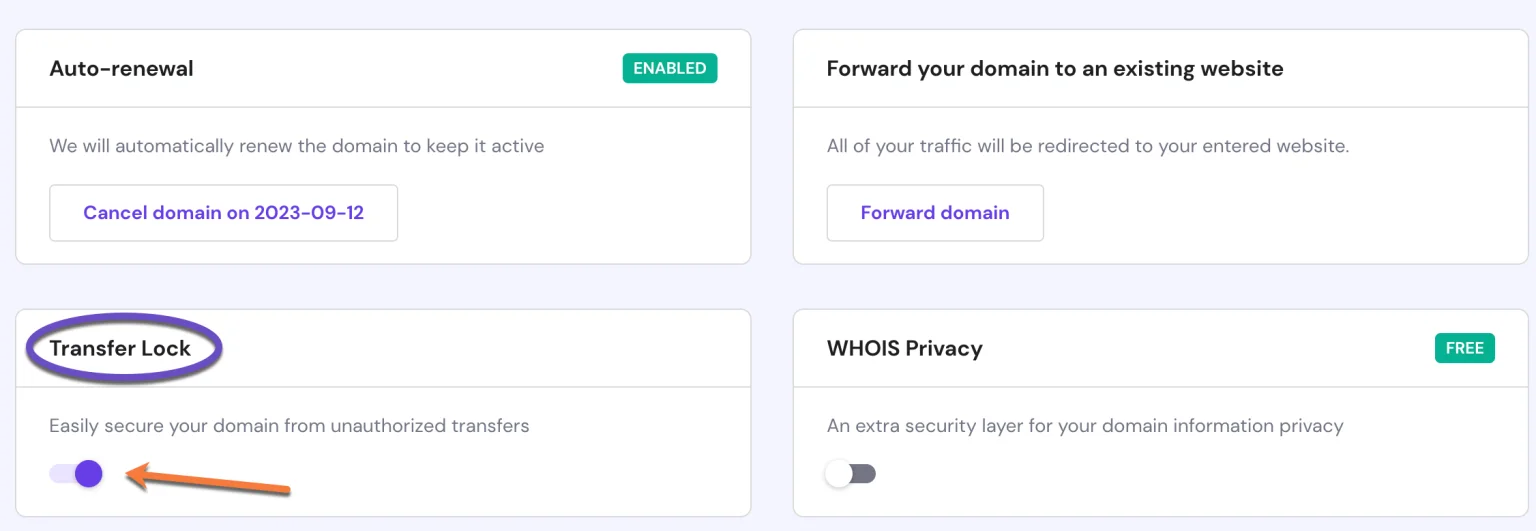
This feature is listed for free on Trustname, and you can enable it once the transfer is completed.
Domain locking is available for free at Trustname and can be re enabled once the transfer is complete.
Turn Off Whois Privacy.
If you enabled Whois privacy, you also need to turn it off before proceeding with the transfer process. This feature is equally available at Trustname, and you can set it up after the transfer.
To turn off the Whois privacy on your Hostinger account, log in to the Hostinger portal and click 'Domains' on the navigation bar.
Next, click on the domain's you want to transfer. You'll be redirected to the Domain Overview page. Here, scroll down to the Whois Privacy section and click the toggle button to deactivate it.
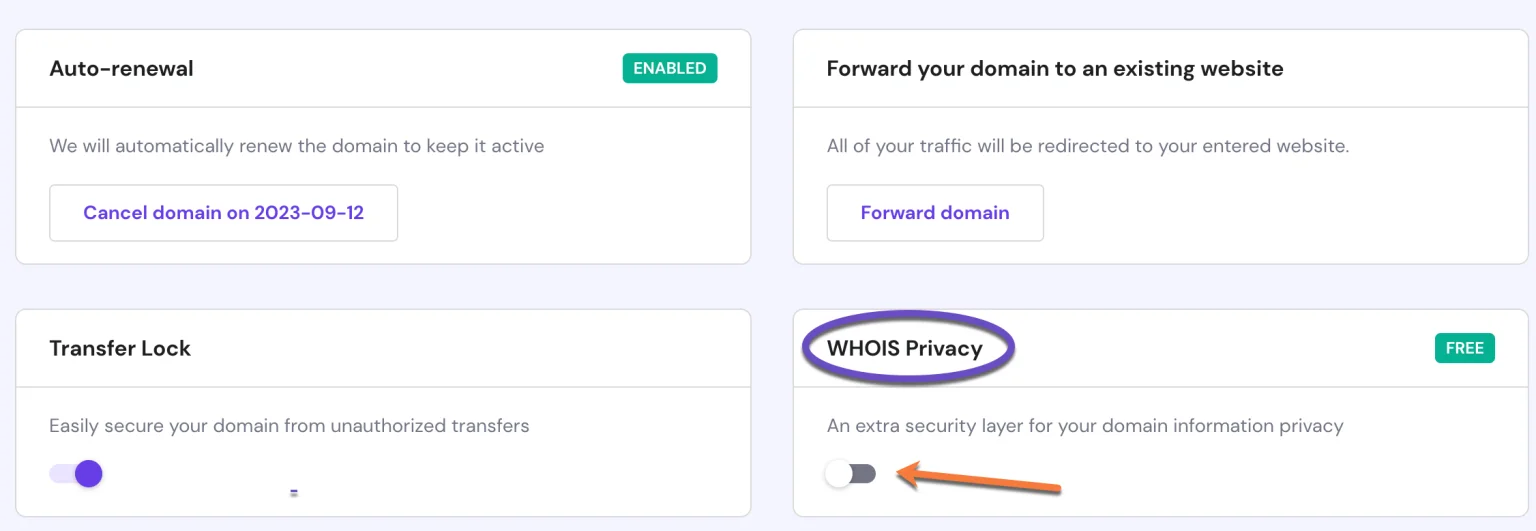
That's it!
Request A Secret Key (or EPP/Auth code)
Lastly, you need an authorization code (or secret key on Hostinger) to verify your domain transfer to Trustname.
Here's how to get the code:
Log into the Hostinger portal and click 'Domains'.
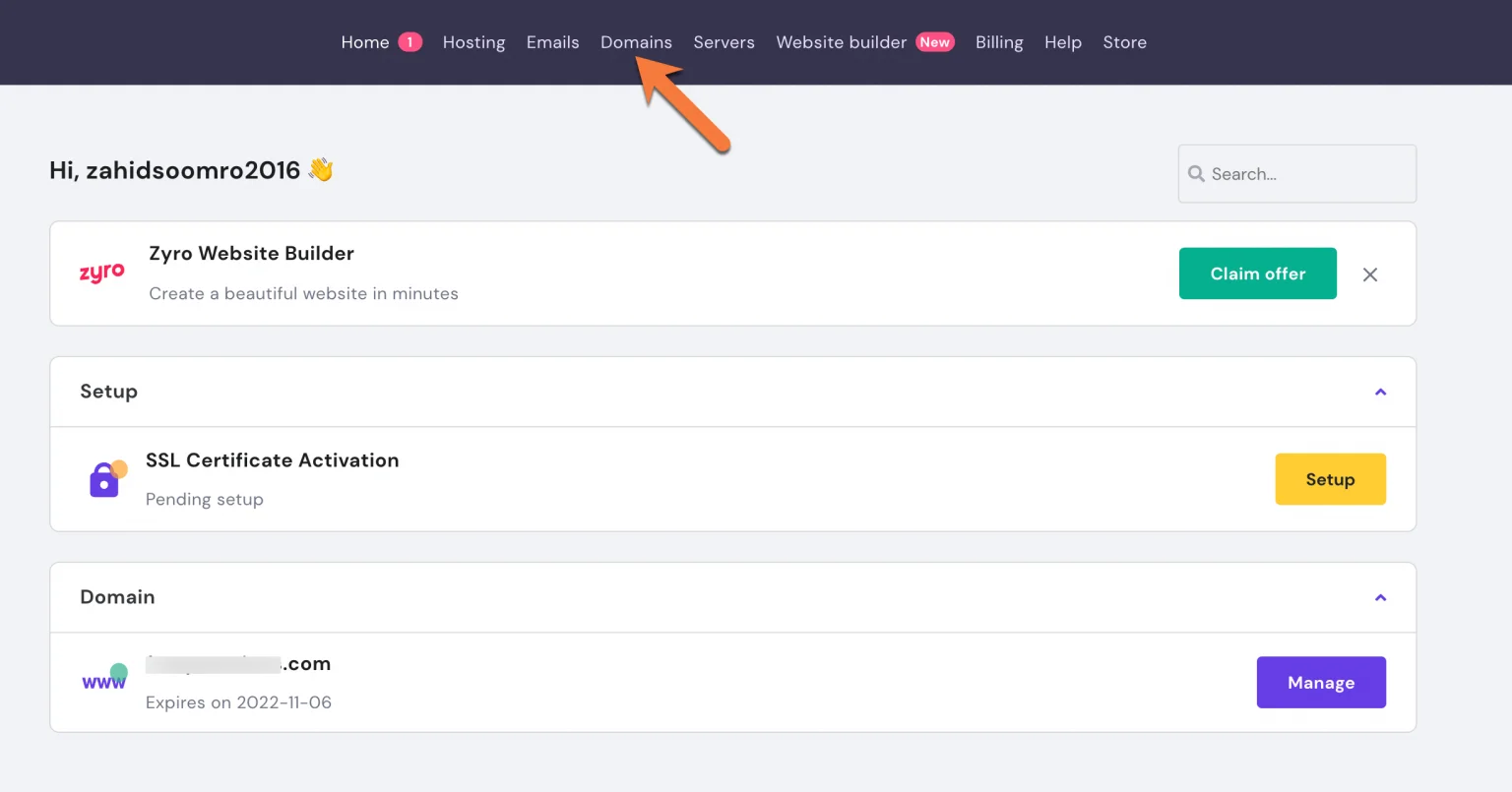
Next, click the domain's you wish to transfer to Trustname. On the domain overview page, scroll to the 'Secret Key' listed under 'Domain information' as shown below.
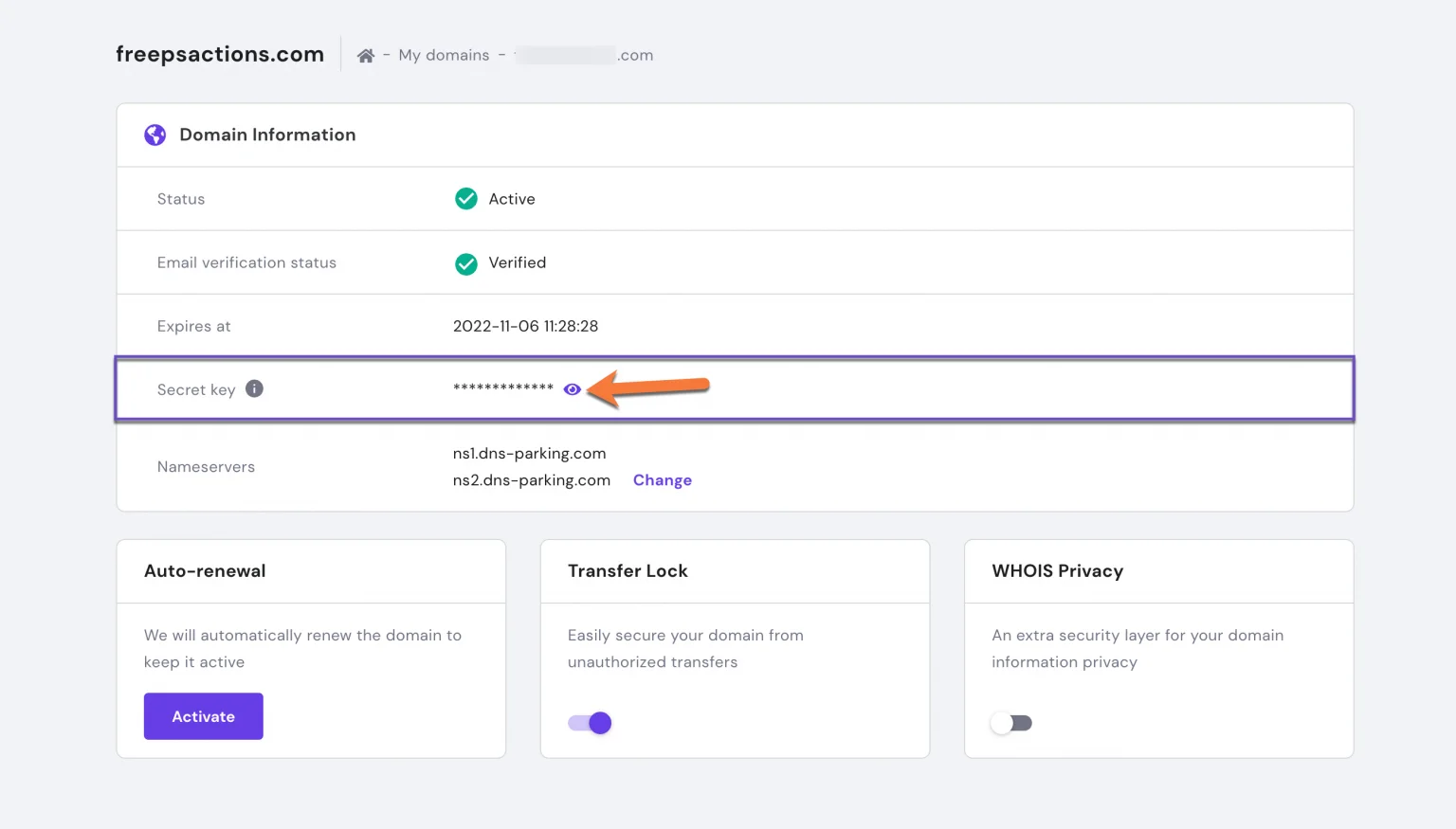
Once you click the 'Eye' icon, your secret key will be displayed on your screen. Copy this code and paste it into Trustname's transfer portal.
Initiate The Transfer At Trustname
- To access your Trustname account, head over to the Trustname.com website and click 'Log in' on the top right corner of the page.
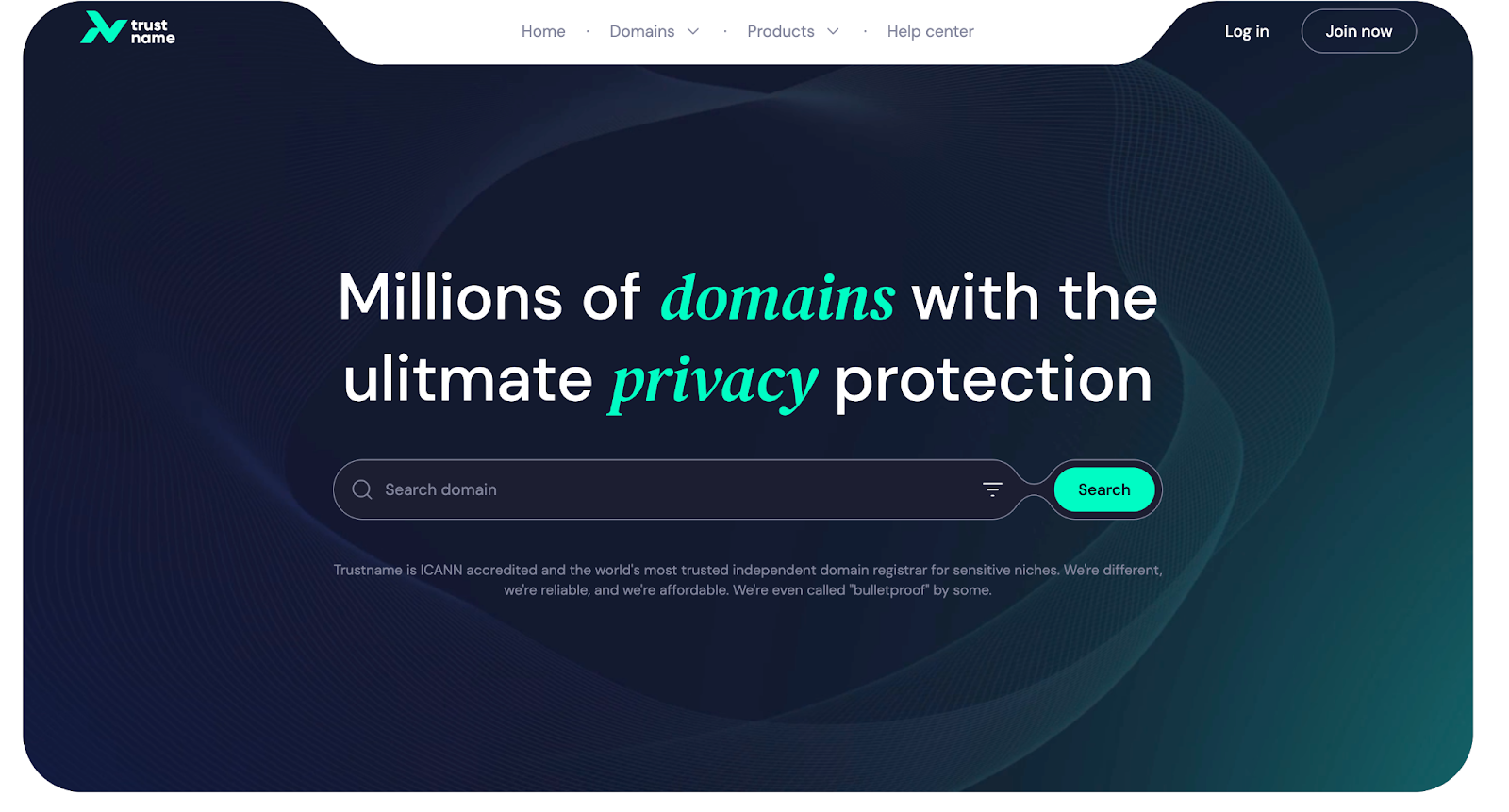
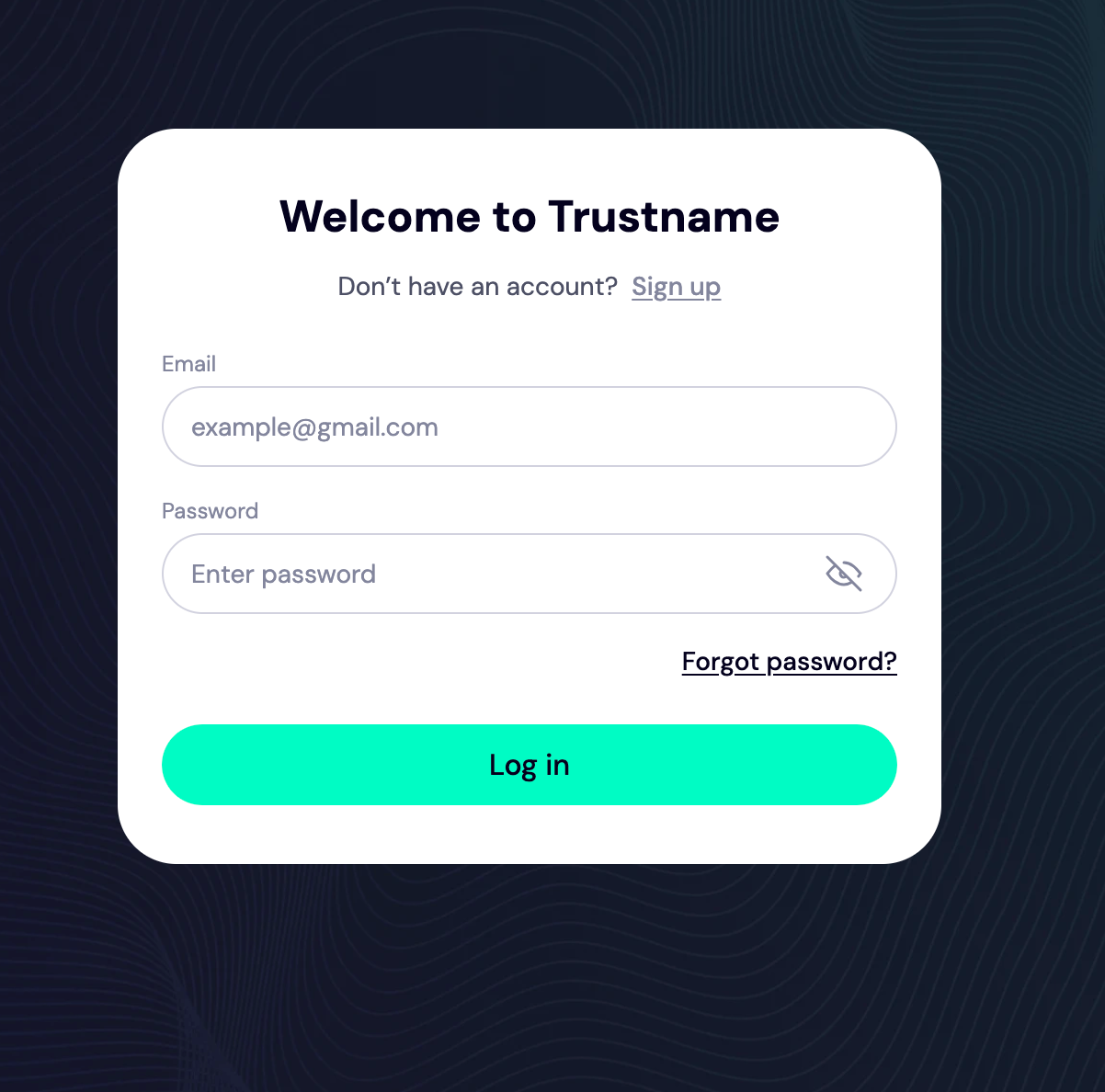
- On the log in page, enter your account credentials and select 'Login'.
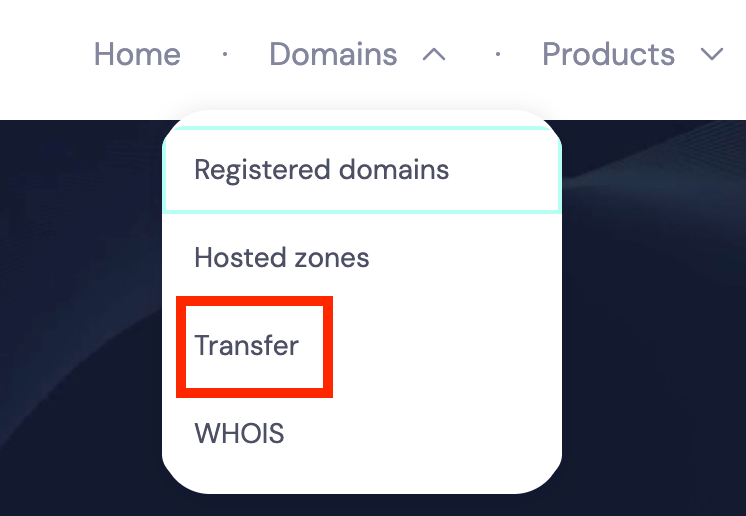
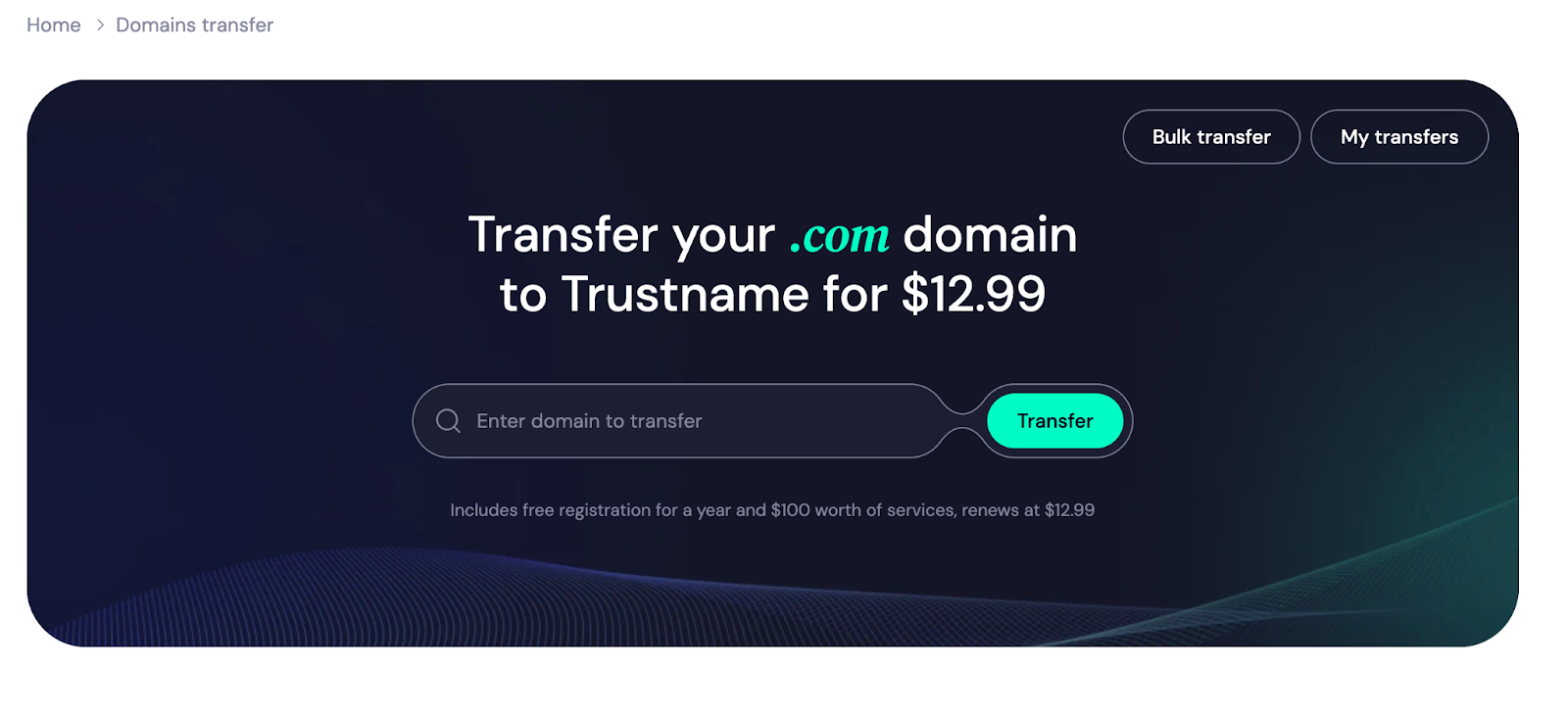
- Now that you're on the customer portal, click 'Domains >> Transfer'.
- Type your Hostinger domain into the search box on the transfer portal and click 'Transfer'.
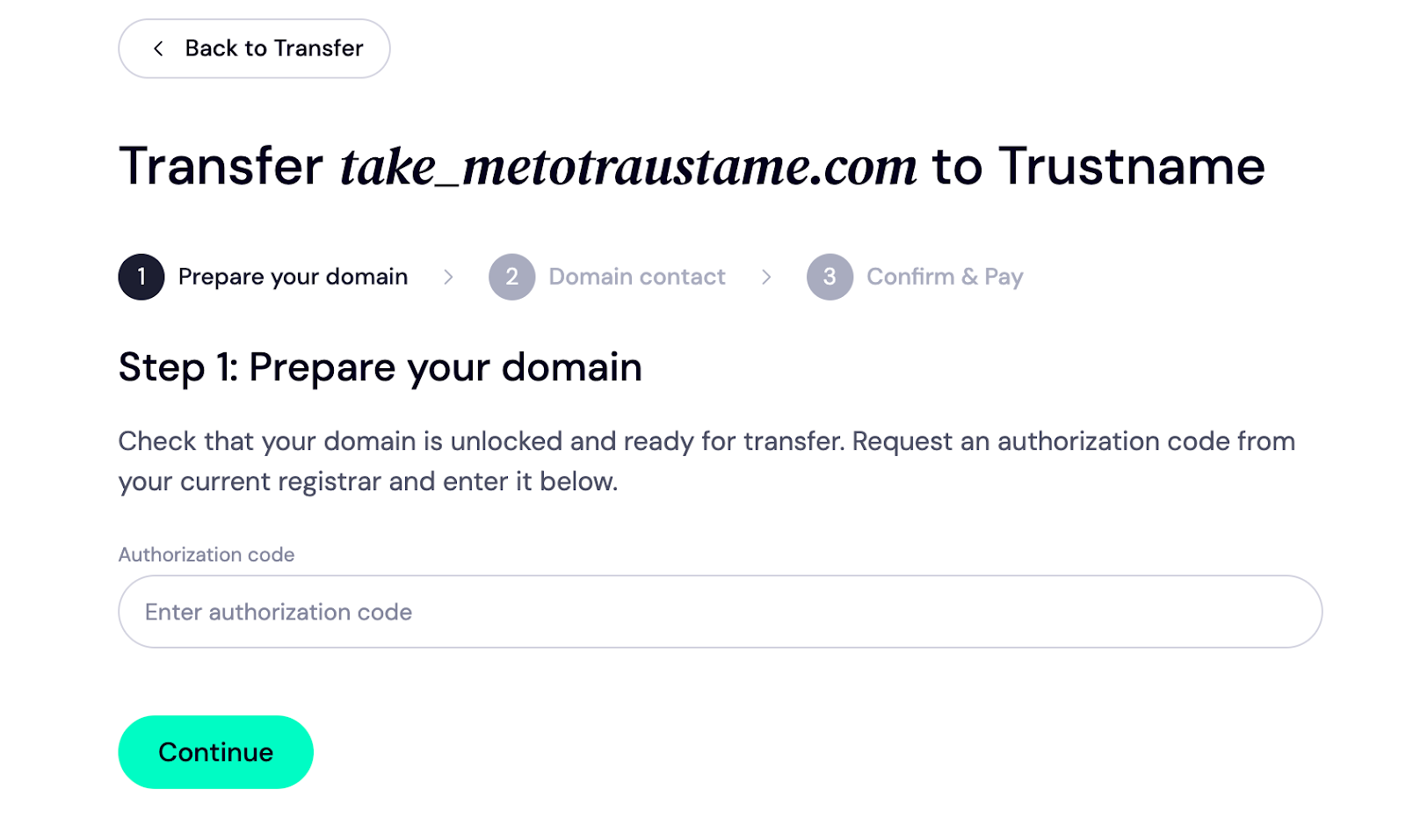
- Enter the secret key (or Auth code) into the field below and click 'Continue'.
- Next, fill in the contact details.
Once you click 'Choose Contact' you'll be faced with three options:[+] [List] Green Unordered - Add new contact
- Use a predefined contact
- New Default contact
To use your details, click 'Add new contact' from the drop down and fill the required fields.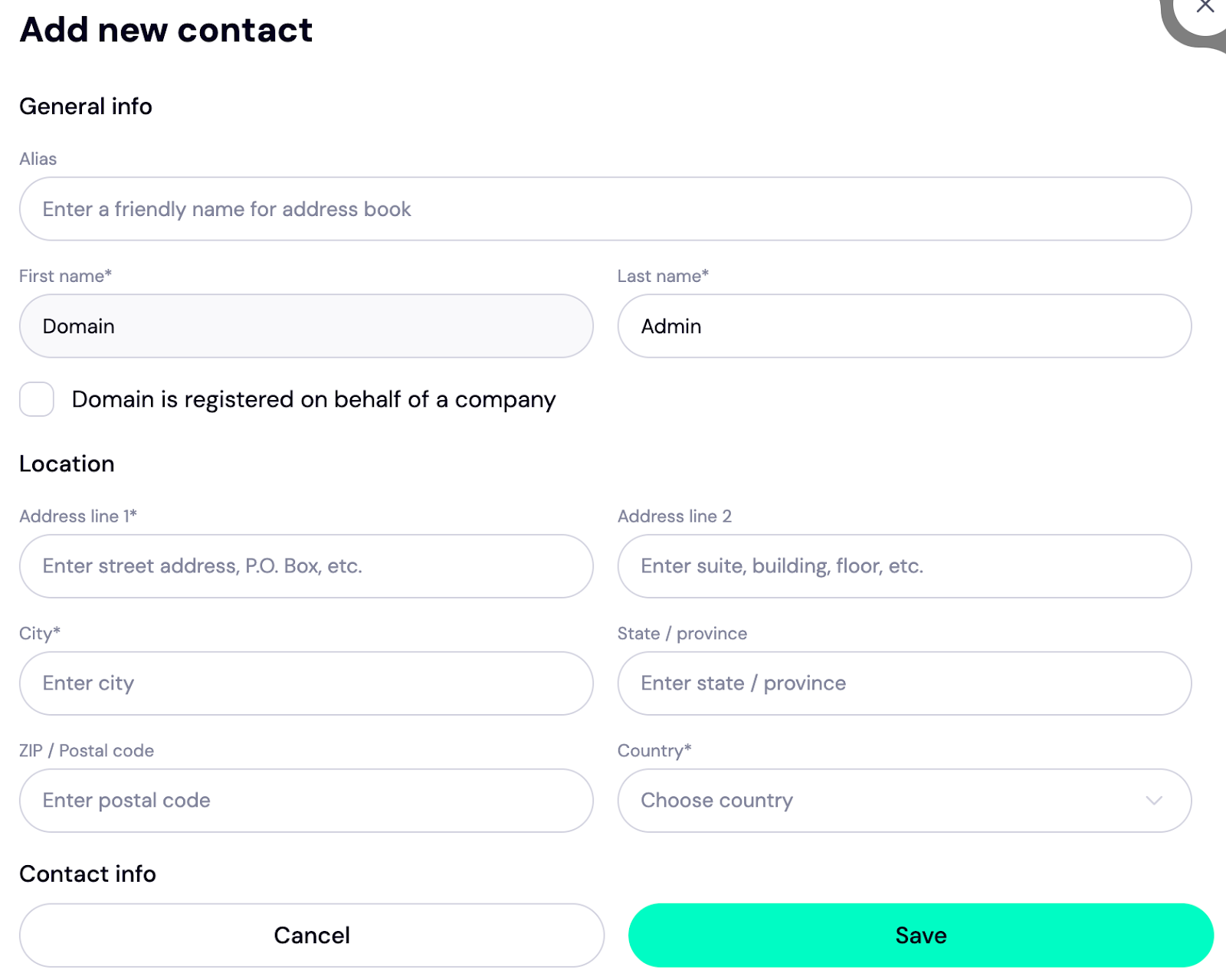
If you'd rather use our Two-Tier privacy protection, click 'Use a pre-defined contact'. Your contact details will appear like this.
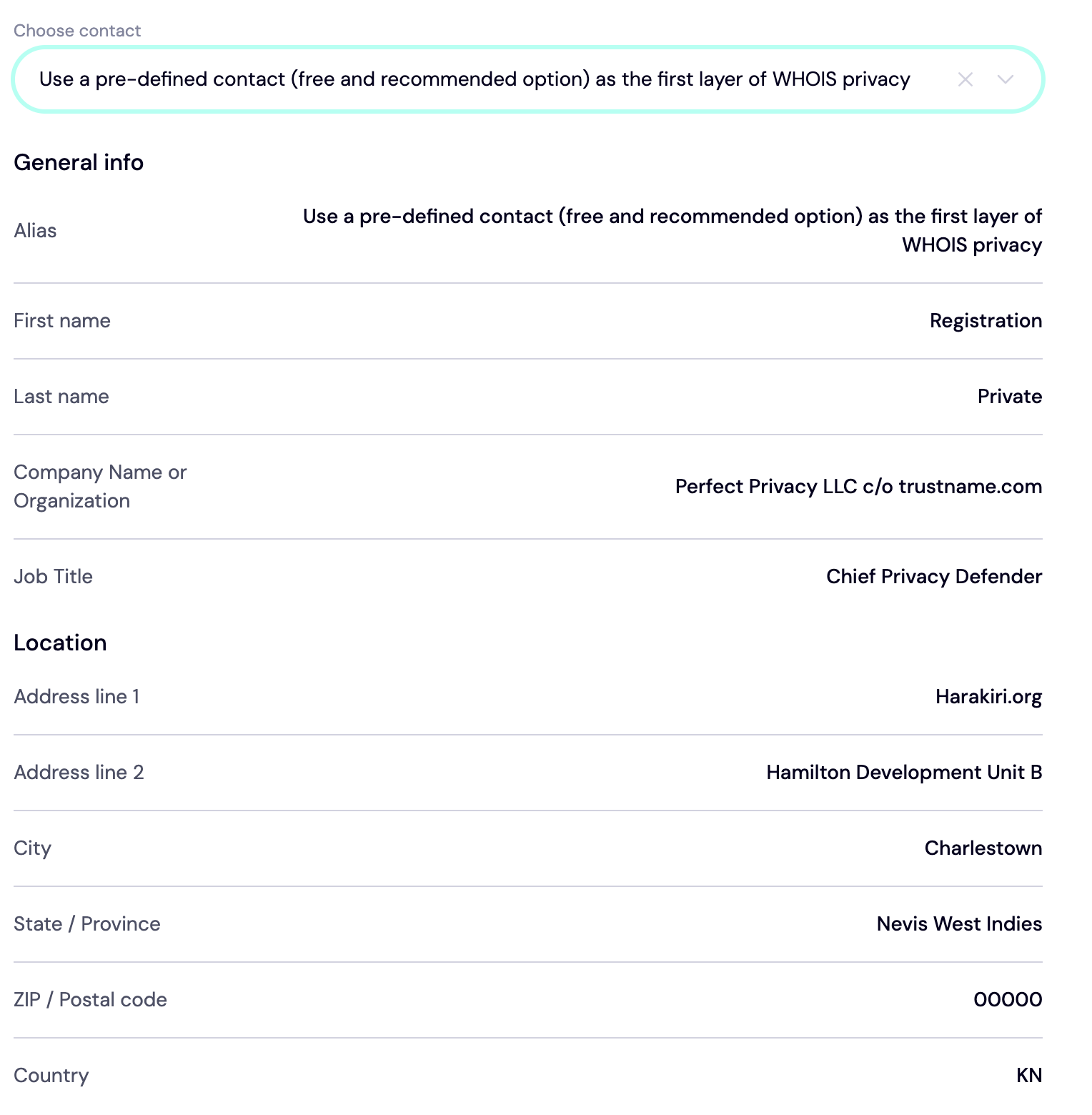
[+] [Callout] Info Insert title here [+] [Callout] Title/Title with Icon -> If you are skeptical about using our proxy partner as your domain registrant, there's no need to be. The details above only appear on paper, and you will retain full access to your domain name. You can revert to your customer portal at any time.
Next, click 'Continue'.
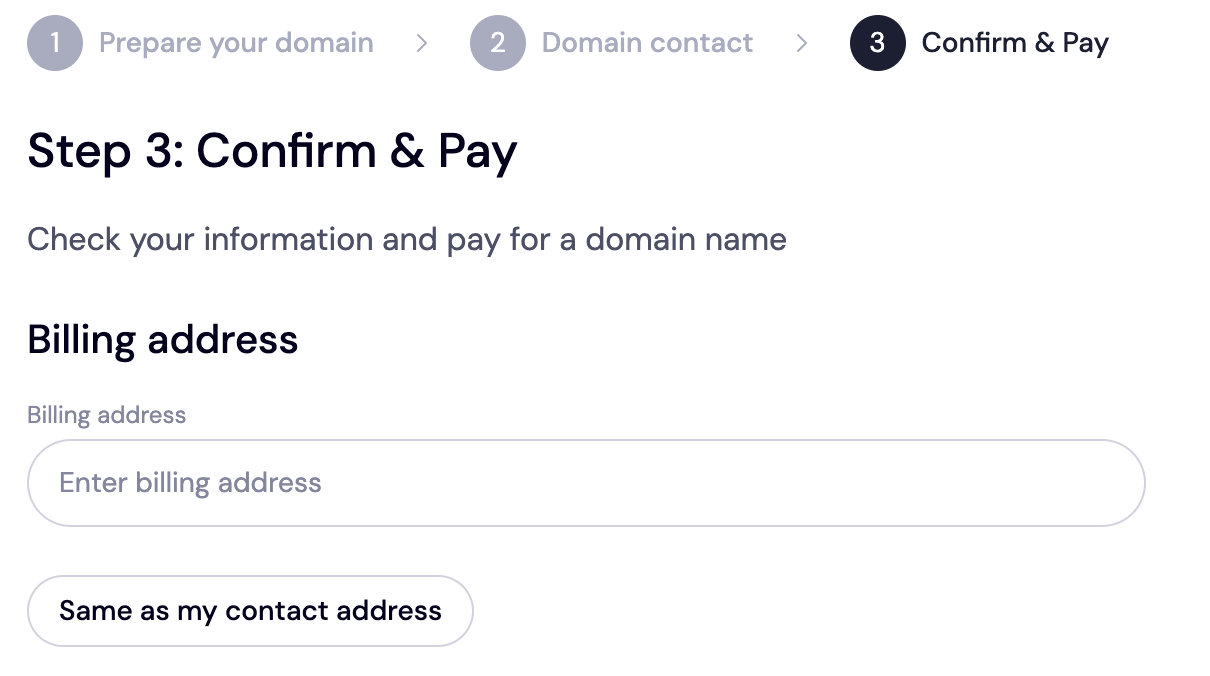
- This is the payment stage.
[+] [Notice] Info First, enter your billing address. If it's the same as your contact address, just hit the 'Same as my contact address' button to fast track the process.Insert title here [+] [Notice] Title -> Once you're done registering your domain with us, we'll add an extra year to your domain's expiry date.
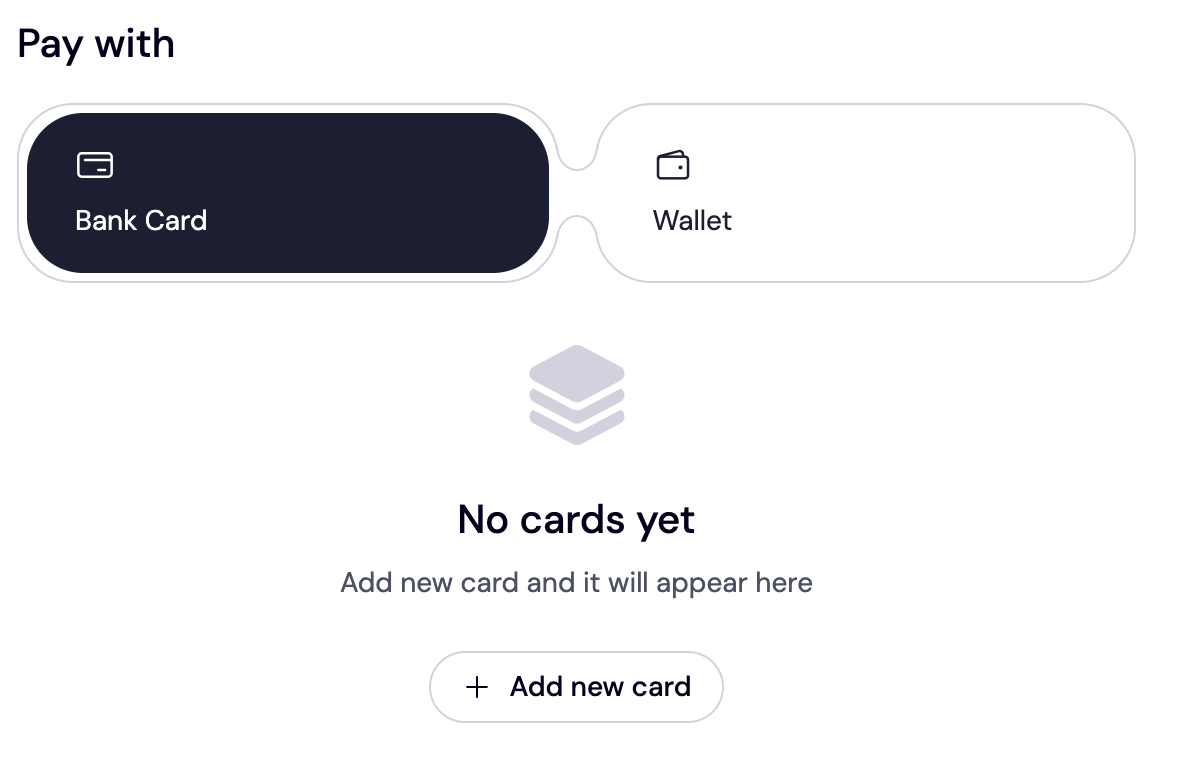
- We accept bank cards, Trustname wallets, and even cryptocurrencies for payment. Your choice! If you want to set up your card, click 'Add a new card' to add one. You can also choose other forms of payment.
Trustname's domain transfer promo code - WELCOME777
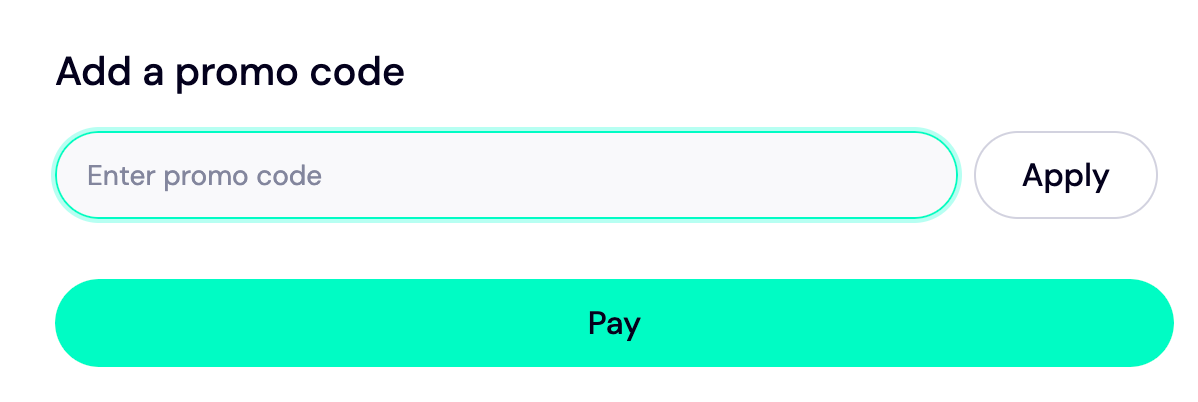
- Use the promo code WELCOME777 to get a 50% discount, reducing the transfer fee to $7.77 and adding one free year to your domain's expiration date.
- Enter WELCOME777 in the “Add a promo code” field during checkout.
- Click the Pay button and follow the on screen prompts to finalize your payment.
- Your domain transfer from Hostinger to Trustname will be completed within seven (7) days.
Safeguard Your Domain Using Trustname Security Features
Now that your domain has been successfully transferred, turn on the domain lock, review your domain nameservers, enable two-factor authentication, and check the Whois info to see if you used our Two-Tier privacy protection.
Troubleshoot A Failed Domain Transfer
Usually, the domain transfer should proceed if you follow the steps above. But if you encounter any issues, double check the secret key (or auth code) and ensure your domain hasn't expired before the transfer. Also, remove the domain lock and Whois privacy protection if enabled on your account.
Read How to troubleshoot failed domain transfer on Trustname.